
|
Airtable's AI assistant is now in Slack

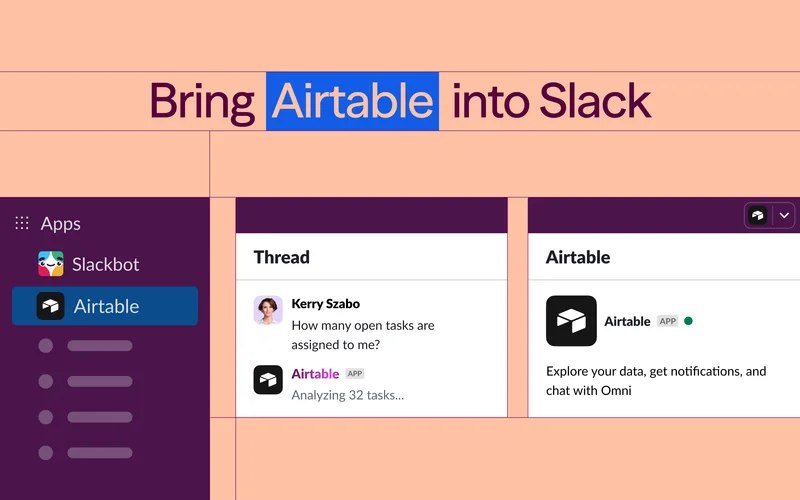


This is an email sent by Airtable. All copyrights and trademarks remain the property of their respective owners. Email Inspire is not affiliated with Airtable.
Other Emails from Airtable

Upcoming Airtable webinars and events you should know about

The Airtable Effect | See Claude and Airtable in action

The Airtable Effect | See Claude and Airtable in action

The Airtable Effect | Meet the NYC Buildathon winner & connect Airtable to Claude

Join us for What's New in Airtable

The Airtable Effect | Airtable Creators Club + Deep Match Field Agent

The Airtable Effect | NYC Buildathon + Introducing Superagent

Last chance—Airtable 2026: the new playbook is almost here!
