We asked real Clicks customers what life is like with a real-keyboard. Here’s what two of them had to say about using their phone before and after Clicks:
"Consolidating multiple devices"
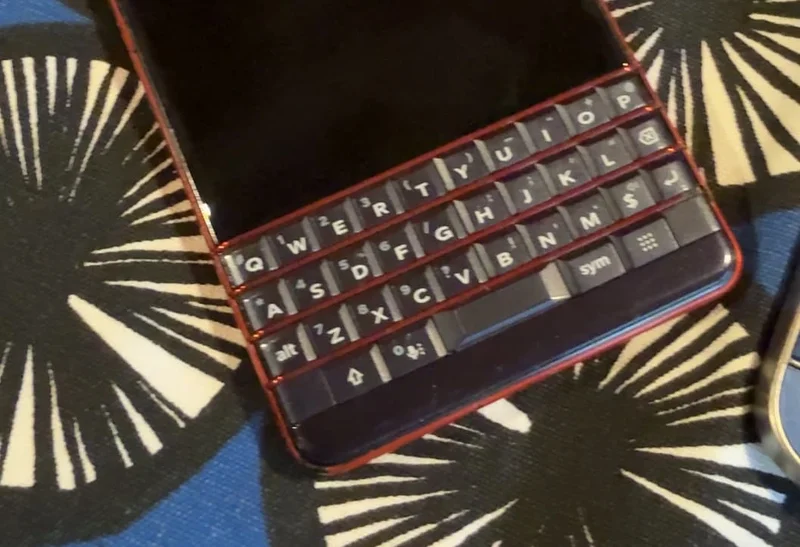
Before Clicks, Luke B. carried two phones, a BlackBerry KEY2 for its keyboard and a Pixel 7 Pro for modern apps, because neither device alone met his productivity needs.
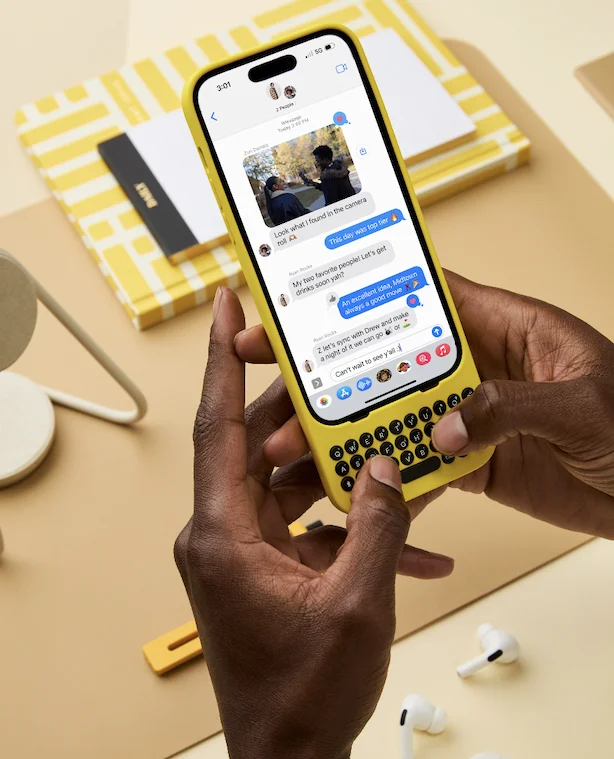
With Clicks on his Moto Razr Ultra Plus, Luke could finally retire the second phone. He describes it as a “return to meaningful mobile computing” enabling him to consolidate devices, use Gmail and keyboard shortcuts seamlessly, and feel focused and precise all day.
Clicks turned his phone into a single high‑performance tool for creation, reflection and execution.
"Escaping touchscreen frustration"
Keiwa H. was constantly frustrated by typing on an on-screen virtual keyboard, limiting how much he would write on his phone.
Today, Keiwa calls Clicks “a Godsend,” saying it freed him from that frustration and made smartphone typing enjoyable again.
Although he hopes for more customization down the road, Clicks restored his joy in using the device.
Join the keyboard revolution and experience the benefits of buttons!
No longer want to receive these emails? Unsubscribe.
Clicks Technology 2 Stone Buildings London, WC2A 3TH
This is an email sent by Clicks. All copyrights and
trademarks remain the property of their respective owners. Email
Inspire is not affiliated with Clicks.
Other Emails from Clicks
Your new travel companion: small device, big productivity
🥊 Dropping the gloves on touch screens.
Write more, worry less: Meet your mobile typing powerhouse.
The surprising science behind better mobile typing.
This keyboard feels different... for a reason.
5 Ways Clicks Helps you use your phone with purpose
Less doomscrolling. More doing.
Tackle big typing tasks anytime (yes, even poolside)