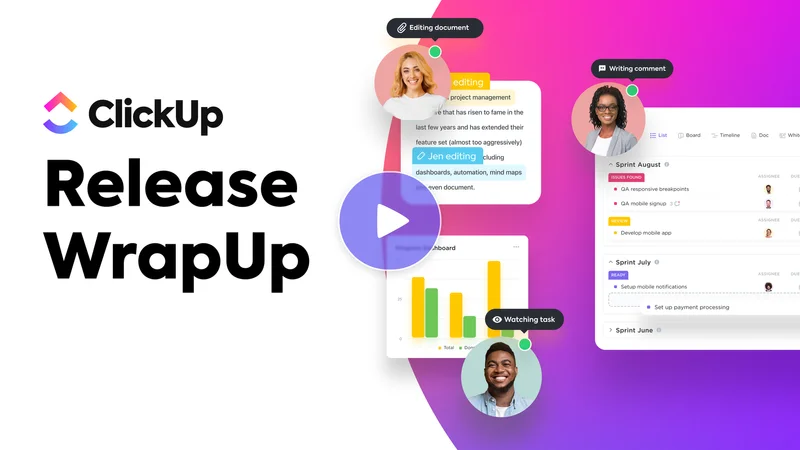
We're back with a new set of ClickUp 3.0 features to dive into. This week we'll be exploring the new Location Overview, Custom Fields Manager, Tray, and more!
We've dramatically simplified managing and customizing your views so that you can easily set location properties and access all controls for your view in the new customize menu.
Our new Custom Fields Manager is designed to give you a bird's eye view of all the Custom Fields across your Workspace, while also providing you with centralized field governance and control.
The Tray design has been updated to be less intrusive on the screen and to help you keep your most important work at hand. Pin it, customize it, and use it to help you multi-task more seamlessly than ever before.
Stay productive anytime, anywhere! Download ClickUp for your Apple or Android device and keep your projects moving seamlessly on the go.
This is an email sent by ClickUp. All copyrights and
trademarks remain the property of their respective owners. Email
Inspire is not affiliated with ClickUp.
Other Emails from ClickUp
Interactive Task List cards on Dashboards, format long text Custom Fields, and more!
Faster List view loading, reporting by task dates, Latin American Spanish, and more!
Summarize tasks on mobile, manage ClickBots, launch meetings, and more!
Create tasks faster: Personal Lists, pinned templates, drag and drop, and more!
Universal Search, App Center, mobile improvements, and more!
Item Hubs, Task Types, Home, and more!
New formula fields, improved dates in Dashboards, and more!
Bring everything from Atlassian into ClickUp with our new import tools