|
|
Vision Assist
Navigate Safely, Switch Views with a Tap
|
|
|
|
|
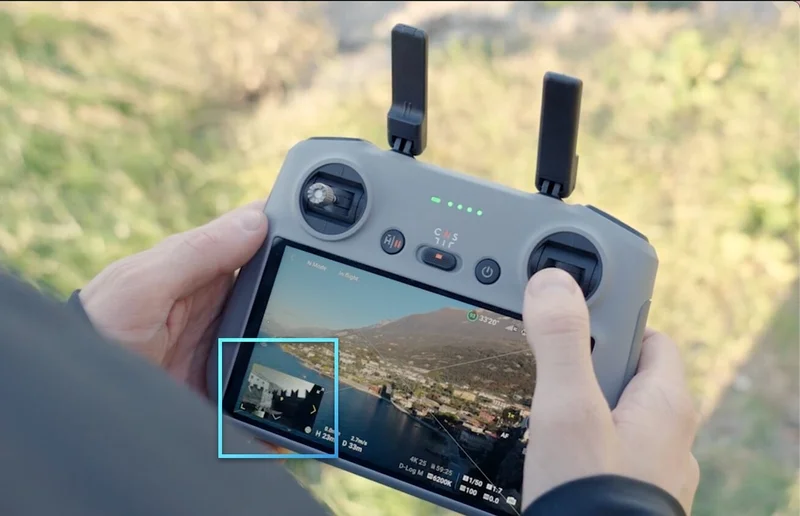
Experience visual assistance from the front, back, left, and right. Simply tap the screen to switch the Vision Assist view and see obstacles from various directions on the flight.
|

|
|
|
|
|
|
|
|
|
ActiveShots 360°
Effortlessly Capture Dynamic Shots
|
|
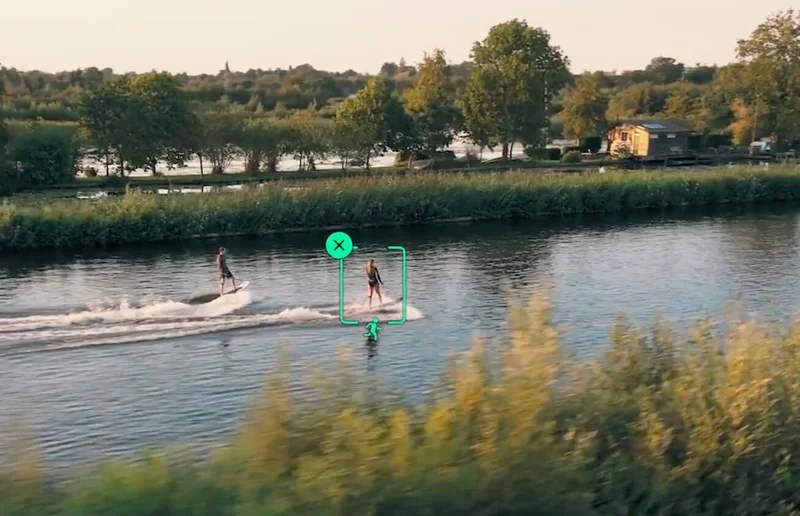
Enhance Solo Adventures with Mini 4 Pro's ActiveShots 360°! Capture footage while running, biking, or skateboarding. The omnidirectional obstacle sensing ensures smooth shots in any environment.
|
|
|
|
Manual Mode
|
|
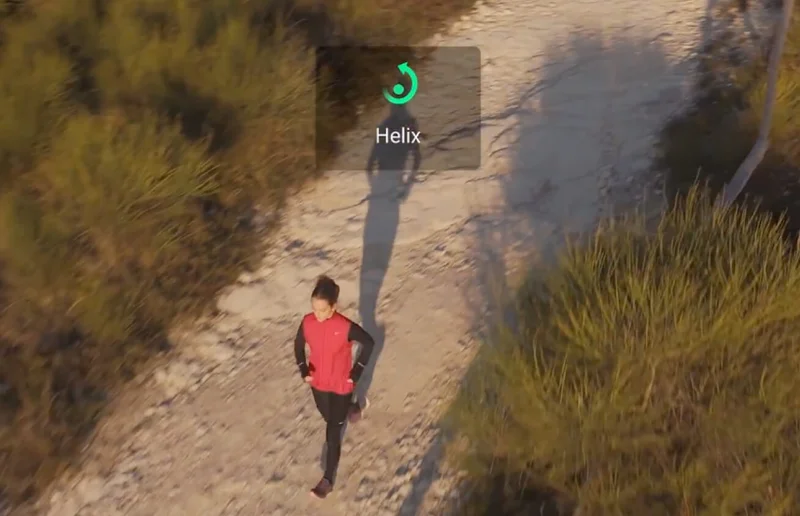
You can customize the route from multiple directions and use the Manual wheel to achieve cinematic camera movements like circling, pulling in, and pulling away.
|
|
|
|
|
Auto Mode
|
|
Frame the subject, and Mini 4 Pro will automatically plan and execute the flight route. Even during dynamic shots, it can intelligently switch between multiple perspectives and camera movements.
|
|
|
|
|
|
|
|
|
Immersive Flight Experience
Boost Mini 4 Pro with FPV flight
|
|
|
|
|
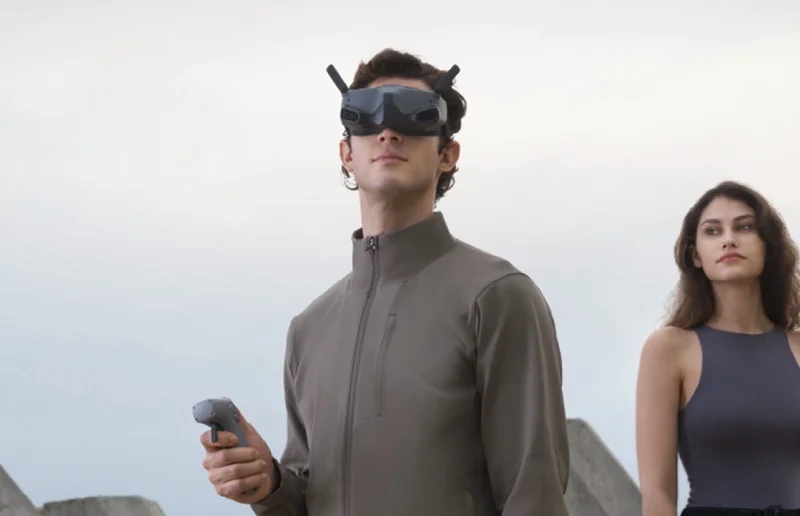
The Mini 4 Pro camera drone can be used with DJI Goggles Integra, DJI Goggles 2, and DJI RC Motion 2 to unlock an FPV flight experience, ushering you into a world of enhanced flight enjoyment.
|
|
|
|
|
|
|
|
|
|
|
|
|
Begin Your Aerial Adventures
|
|
|
|
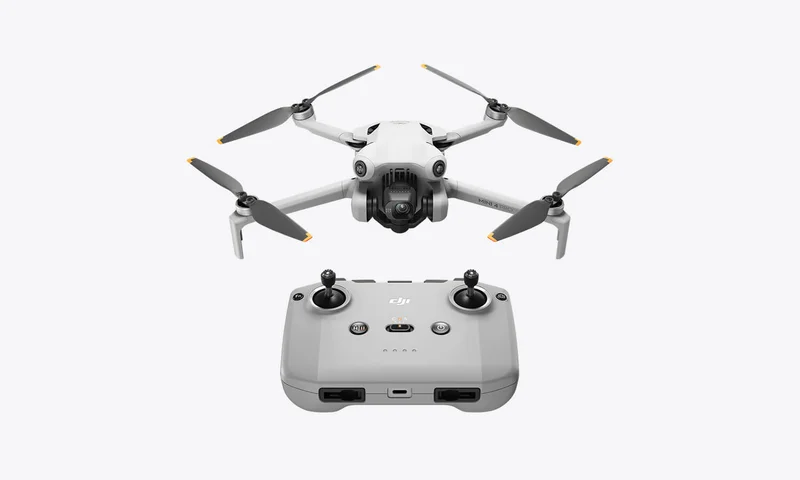
DJI Mini 4 Pro (DJI RC-N2)
|
|
|
|
|
|
|
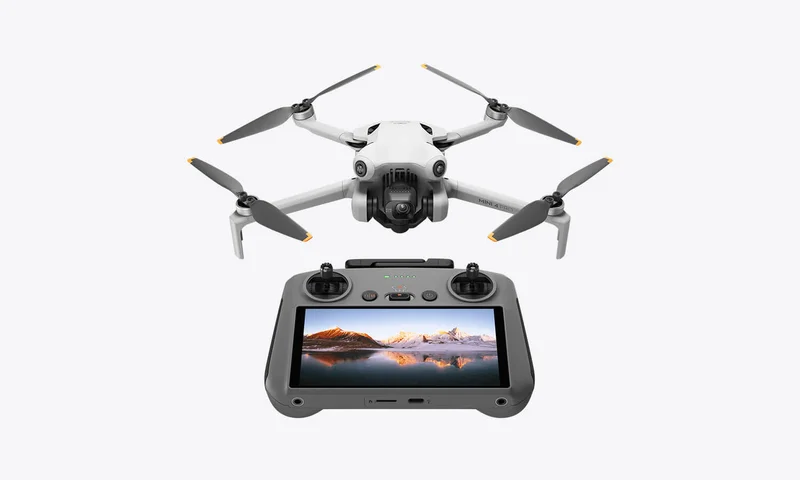
DJI Mini 4 Pro (DJI RC 2)
|
|
|
|
|
|
|
|
|
|
|
|
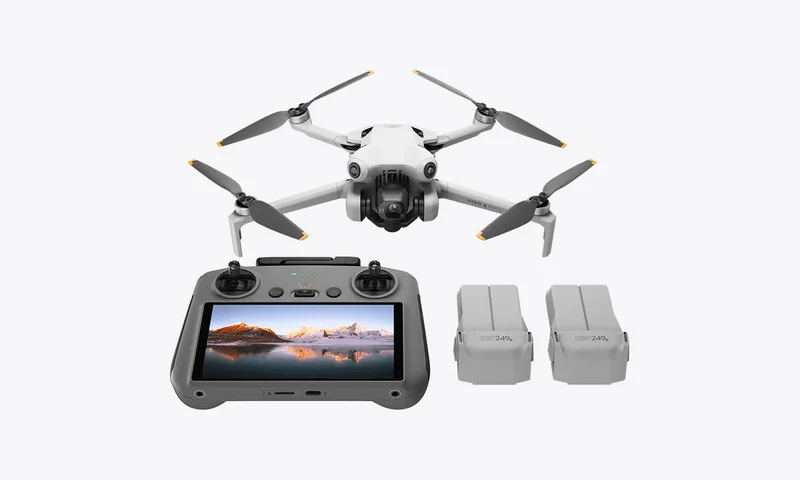
DJI Mini 4 Pro
Fly More Combo (DJI RC 2)
|
|
|
|
|
|
|
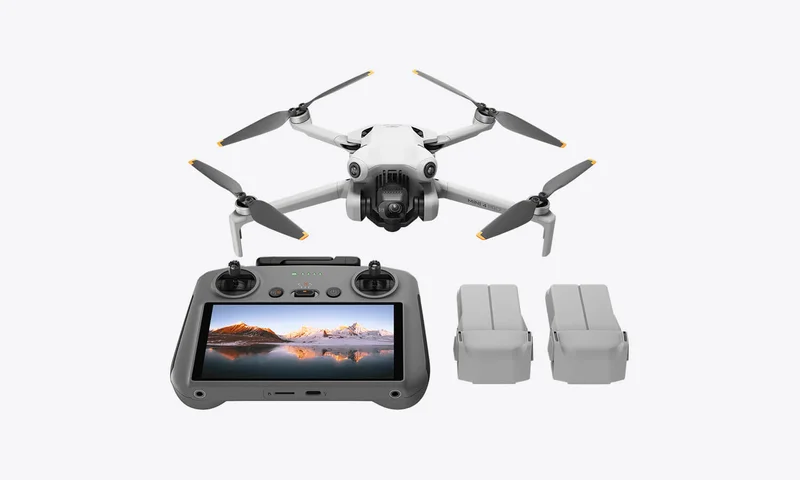
DJI Mini 4 Pro
Fly More Combo Plus (DJI RC 2)
|
|
|
|
|
|
|
|
|
|
• Added features require DJI Fly v1.12.4 or later. |
• If the update fails, restart aircraft, remote controller, and DJI Fly or DJI Assistant 2 (Consumer Drones Series), and retry. |
• Make sure to update the firmware of the aircraft, goggles, and motion controller before linking. The user can use DJI Assistant 2 (Consumer Drone Series) to update the firmware of each device individually or use the DJI Fly app to update the firmware: a. Aircraft: Update the firmware with the remote controller. b. Goggles and Motion Controller: Power on the goggles and the motion controller. Connect the USB-C port of the goggles to a mobile device, run DJI Fly, and select Profile > Device Management. Locate the corresponding goggles. Select Firmware Update and follow the on-screen instructions to update the firmware. |
|
|
DJI Store App |
|
Get your exclusive benefits here
|
|
|
|
|
|
|
|
Follow Us
|
|
Follow us on social media for the latest news and updates.
|
|
|
|
|
|
This is an automated message. Please do not reply.
|
|
Click here to unsubscribe or manage your subscription
|
|
Copyright © 2023 DJI, All Rights Reserved.
|
|
Contact Us Privacy Policy Terms of Use
|