 |
 |
|
The Best Video Settings for Riding |
|
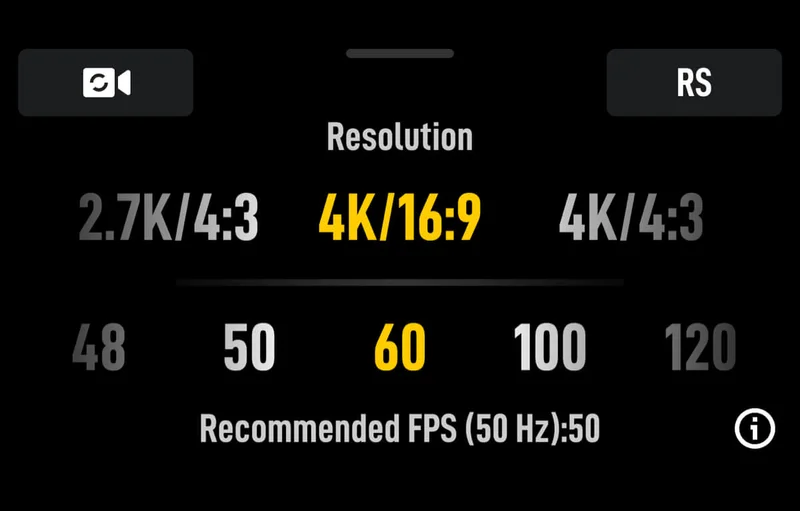
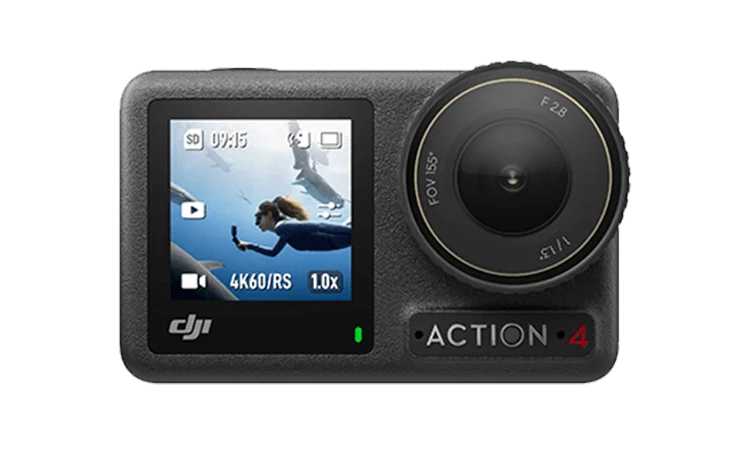
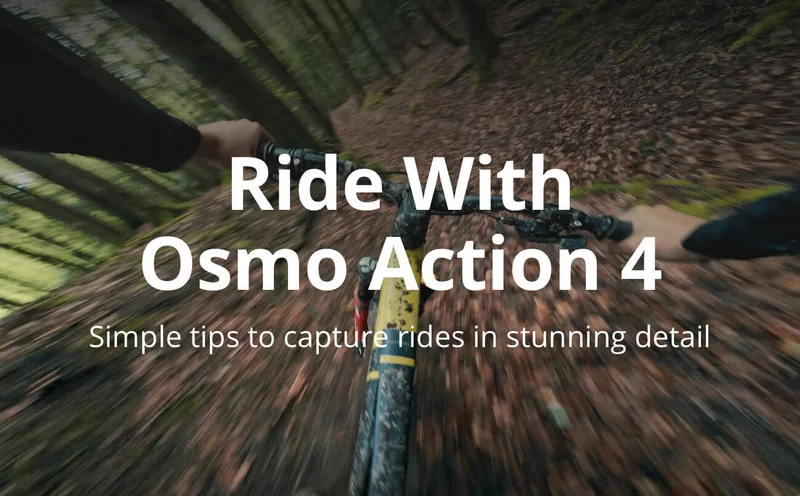
Adjust the settings to 4K/60fps to achieve stabilized, pro-level, social media-ready videos with Osmo Action 4, even in the most rugged terrains.
|
|
|
|
|
|
3 FOVs to Make Every Video Pop |
|
The Osmo Action 4 offers three featured Field of Views (FOVs) ranging from 84° to 155°, allowing you to effortlessly capture captivating shots in a single video.
|
|
|
|
#1
|
|
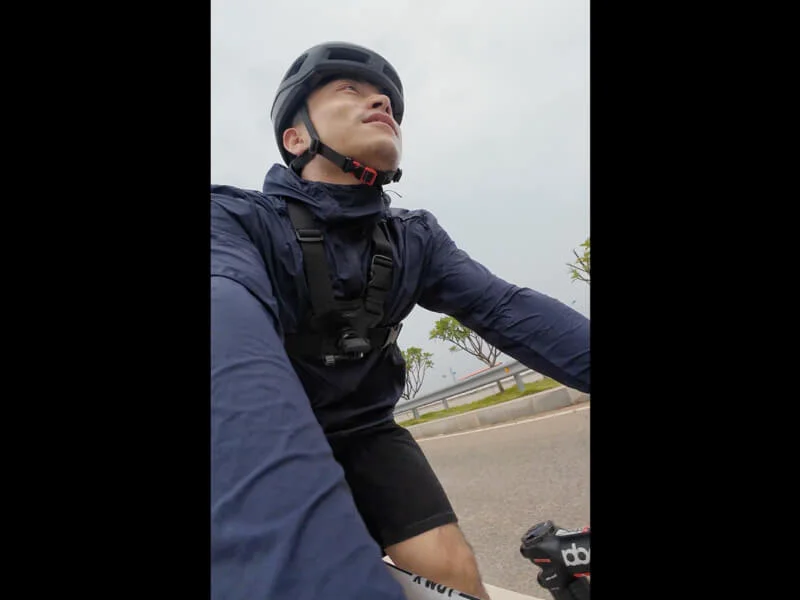
Use "Standard (Dewarp)" for Vertical Shooting to capture stunning selfies while on the move
|
|
|
|
|
|
|
|
|
|
|
#2
|
|
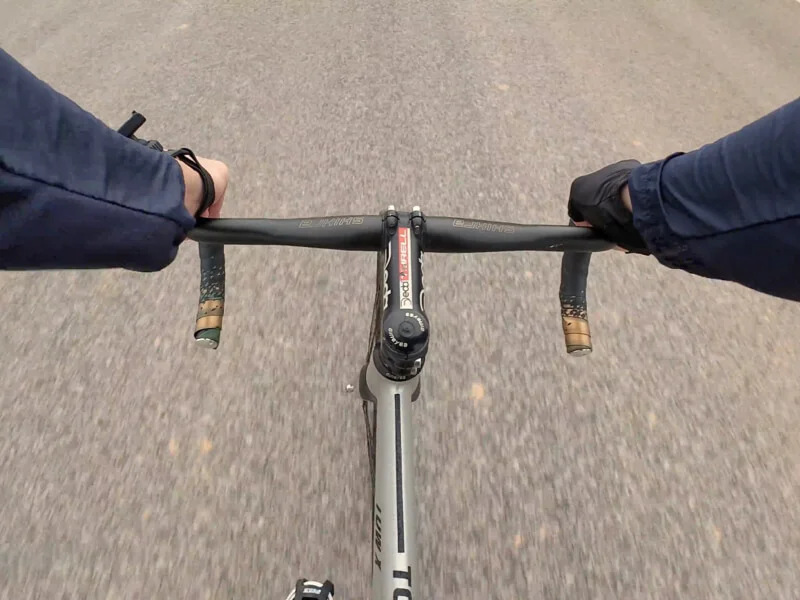
Use "Wide" to capture the full breadth of your ride.
|
|
|
|
|
|
|
|
|
|
|
#3
|
|
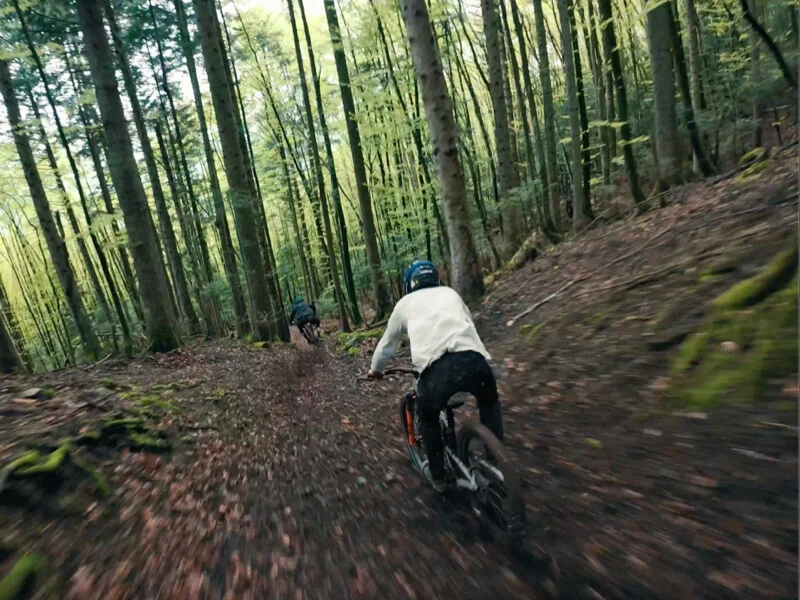
Use "Ultra-Wide" to encompass the expansive landscapes as you journey through diverse terrains.
|
|
|
|
|
|
|
|
|
|
|
Ample Accessories for Advanced Shots |
|
|
|
GPS Bluetooth Remote Controller
|
|
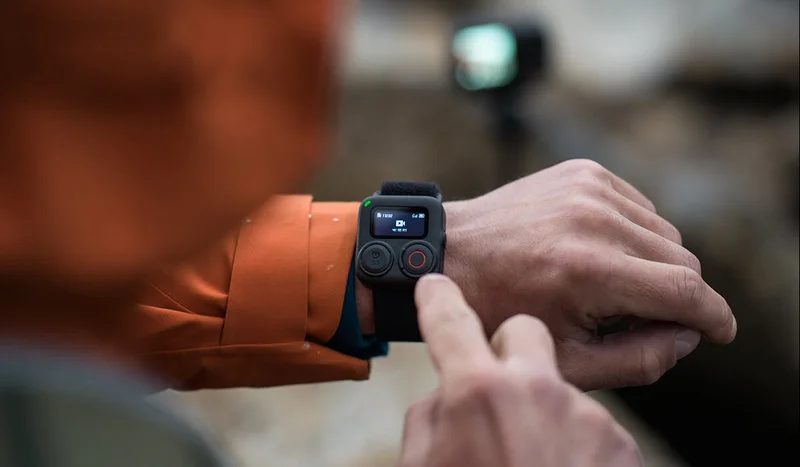
You can use the GPS bluetooth remote controller to record and integrate data into your videos such as speed, gradient, acceleration, and more.
|
|
|
|
|
|
Gear Up for the Ride |
 |
|
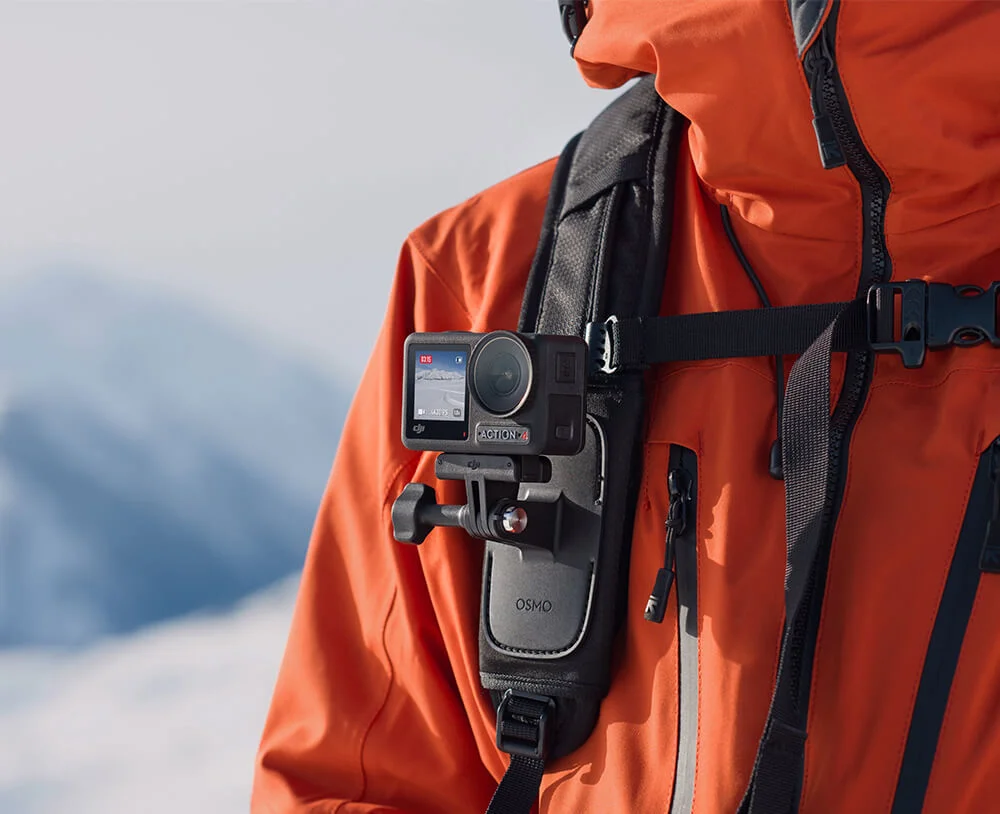
Chest Strap Mount
|
|
Easily attaches to your backpack for recreational activities like hiking, making POV shooting effortless.
|
|
|
|
|
|
|
 |
|
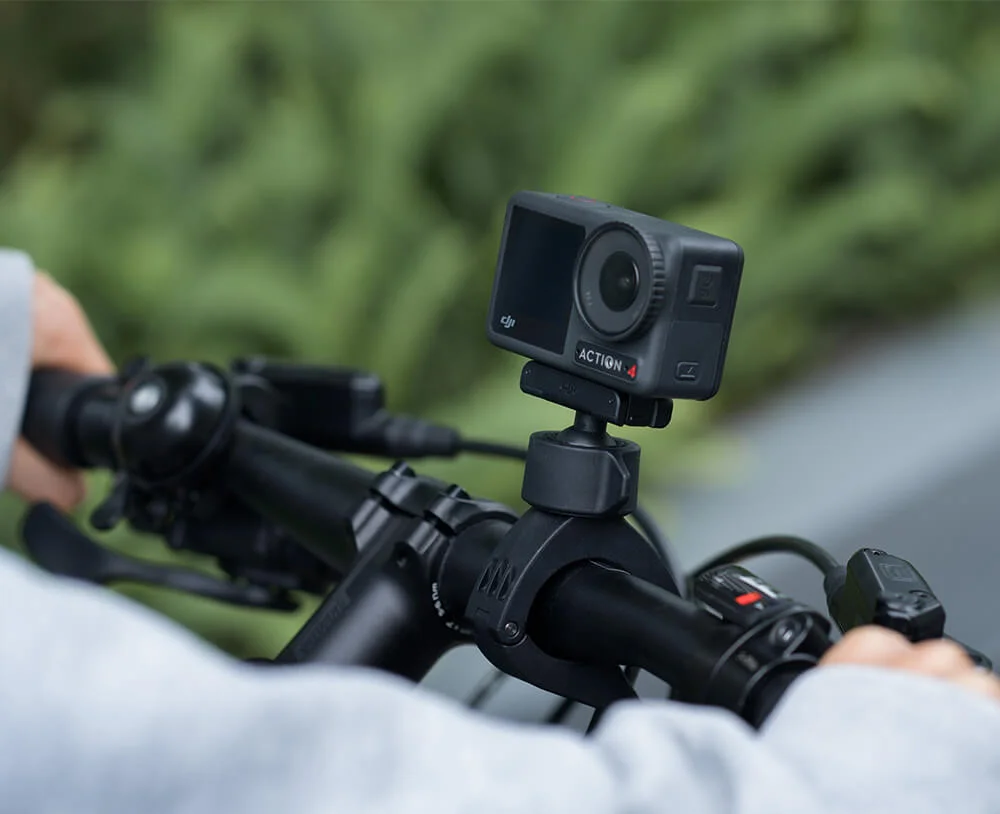
Mini Handlebar Mount
|
|
Securely attach the camera to a handlebar. A ball-joint design and Quick-Release Adapter Mount make it easy to mount the camera and adjust the shooting angle.
|
|
|
|
|
|
|
|
|
|
|
|
|
Osmo Action 4
|
|
|
 |
|
|
|
|
|
|
|
|
|
|
Why shop with DJI Store?
|
|
|
|
|
|
|
|
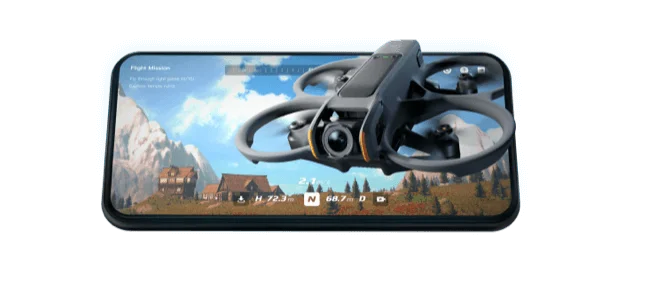
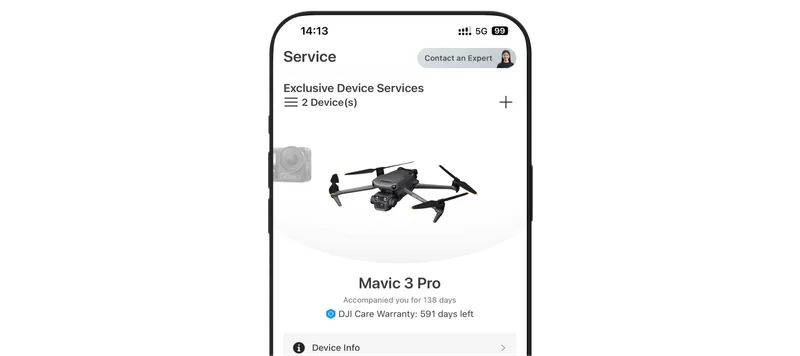
DJI Store App
|
|
|
|
|
|
|
Follow Us
|
|
Follow us on social media for the latest news and updates.
|
|
|
|
|
|
This is an automated message. Please do not reply.
|
|
Click here to unsubscribe or
manage your subscription
|
|
Copyright © 2024 DJI, All Rights Reserved.
|
|
Contact Us
Privacy Policy
Terms of Use
|