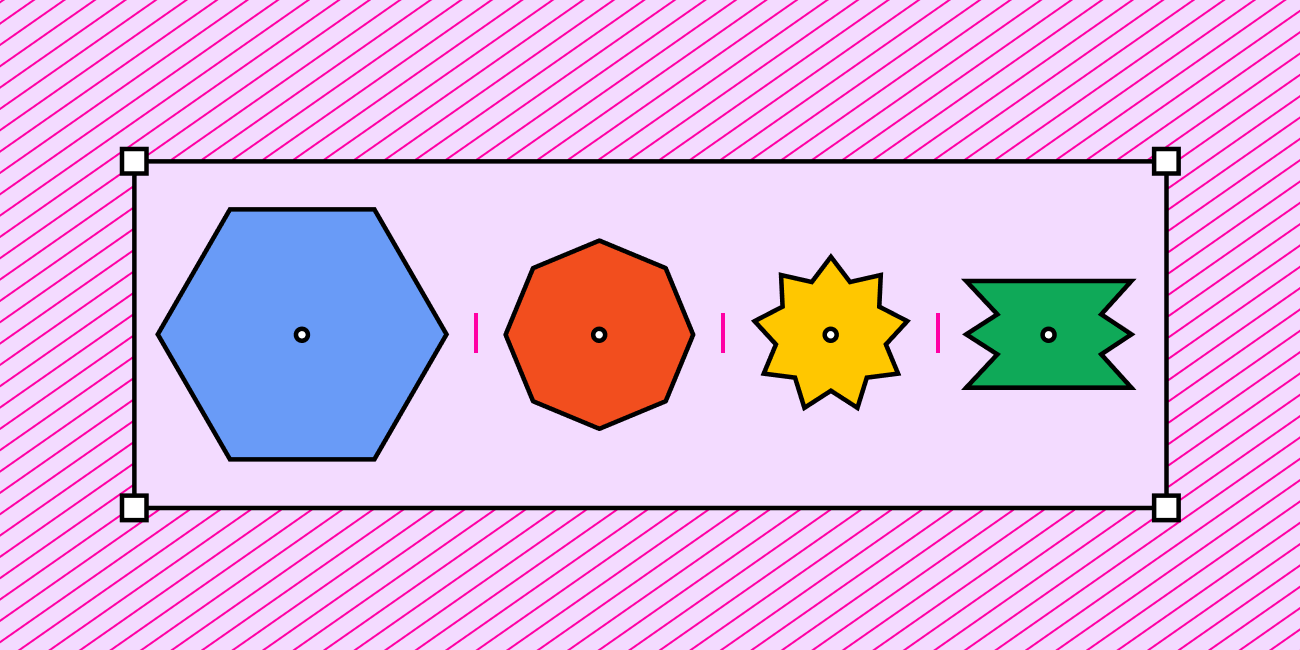
Dive into auto layout, shared styles, and components.
| Try advanced features in Figma |
| You're off to a great start! If you're feeling ready to take your designs to the next level, or want to start building a design system, here are a few features for you to try. |
|
|
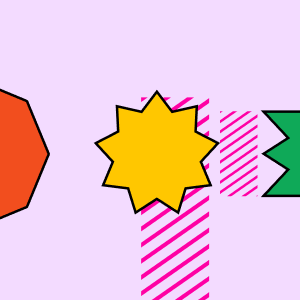 |
Use auto layout |
Auto layout lets you create designs that grow to fill or shrink to fit, and reflow as their contents change. |
| Get started → |
|
|
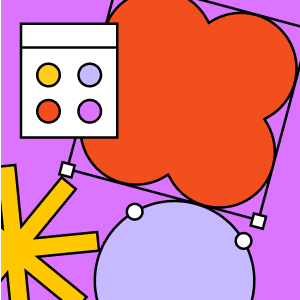 |
Create shared styles |
Use shared styles to define properties for colors, text, effects, and layout grids that can be easily access by your team and referenced in a shared design system. |
| Learn more → |
|
|
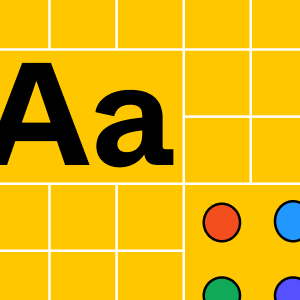 |
Build components |
Iterate on a component in your design system and publish updates to every file using that component in a few clicks. |
| Read the guide → |
|
|
|
|
| Figma is a design platform for teams who build products together. Born on the Web, Figma helps the entire product team create, test, and ship better designs, faster. |
|
|
760 Market Street, Floor 10
San Francisco, CA, 94102 |
|