|
|
Design isn’t just for designers. With ownership of design-centric work shifting, our latest updates help everyone—from developers to marketers—make ideas real.
This month is all about shaping ideas your way. Build fast with Figma Make templates, edit the prototypes directly in Figma Design, and add more detail with new vector and brush tools in Figma Draw.
|
|
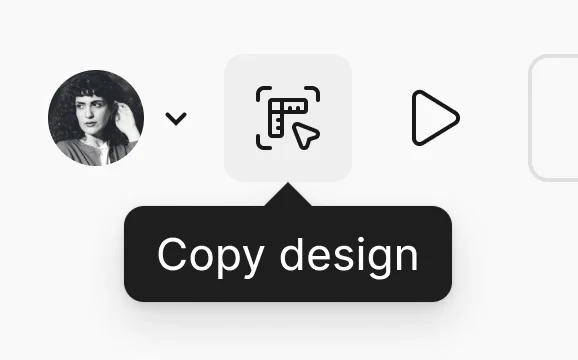
Bring Figma Makes into Figma Design
|
|
Copy your Figma Make preview and paste it to Figma Design, then edit. You can also publish Make templates to your team so you prototype faster.
|
|
Get started →
|
|
|
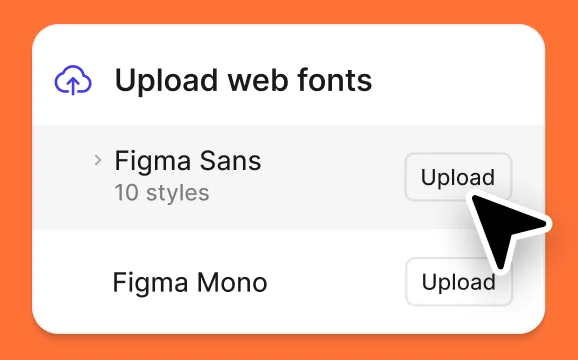
Custom fonts, passwords, and more in Figma Sites
|
|
With new accessibility features, password protection, custom fonts, and cookie banners, Figma Sites is even more powerful. Plus, it’s now available on Starter plans.
|
|
Learn more →
|
|
|
|
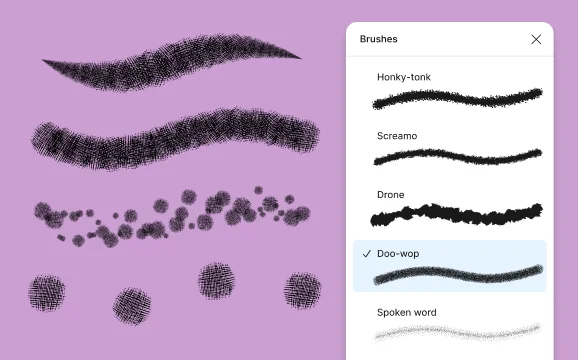
Add expression with new scatter brushes in Draw
|
|
Expand your creative possibilities with the 10 new scatter brushes available in Figma Draw. Or, you can create your own custom brushes.
|
|
Read more →
|
|
|
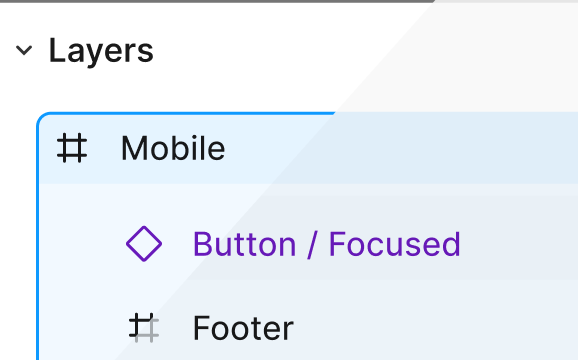
Seeing is believing. Figma UI is easier to read.
|
|
Toggle on enhanced contrast mode for a Figma UI that’s easier to read. You’ll see higher contrast text, buttons, outlines, and selections.
|
|
Try it out →
|
|
|
|
|
|
|

|
Access Unsplash photos directly in Figma Buzz and Figma Make
|
|
Learn more →
|
|
|

|
Connect Figma to countless third-party tools with Zapier
|
|
Learn more →
|
|
|
|
|
|
| Figma is a design platform for teams who build products together. Born on the Web, Figma helps the entire product team create, test, and ship better designs, faster. |
|
|
760 Market Street, Floor 10
San Francisco, CA, 94102 |
| Unsubscribe from Figma marketing emails. |
|
|
|
|
|
![[Release notes] Shape ideas your way](https://n5su3bze2ea.b-cdn.net/brands/c88grgiz9pb.jpg?width=40&height=40&aspect_ratio=40%3A40)


![Email from Figma. [Release notes] New things to love in Figma 💘](https://n5su3bze2ea.b-cdn.net/preview-images/5c21734f-6a06-4856-b9c5-1a8789e95ff6/Email-marketing-example-from-Figma_release-notes-new-things-to-love-in-figma.webp?bunny=%5Bobject%20Object%5D&width=300&height=600&aspect_ratio=300%3A600)

![Email from Figma. [Release notes] New for November](https://n5su3bze2ea.b-cdn.net/preview-images/0b2f1d77-1966-48ab-8aed-fb2ed57d0d06/Figma-email-example_release-notes-new-for-november.webp?bunny=%5Bobject%20Object%5D&width=300&height=600&aspect_ratio=300%3A600)


