| |
|
 |
|
| Adobe game changer |
|
|
|
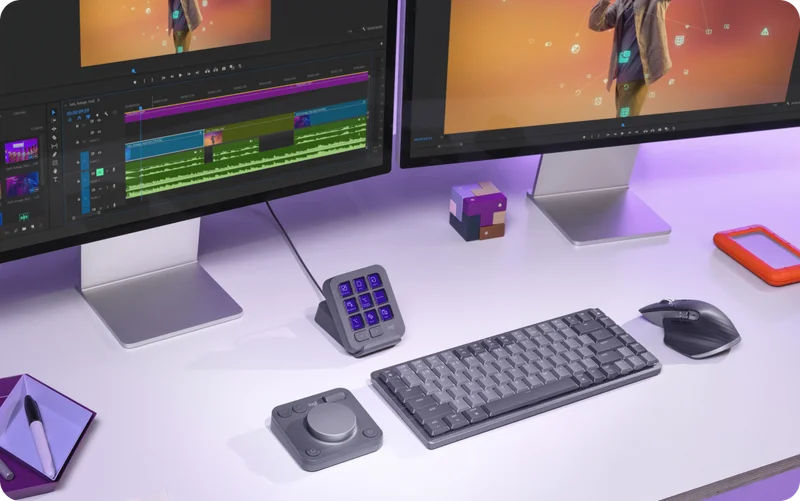
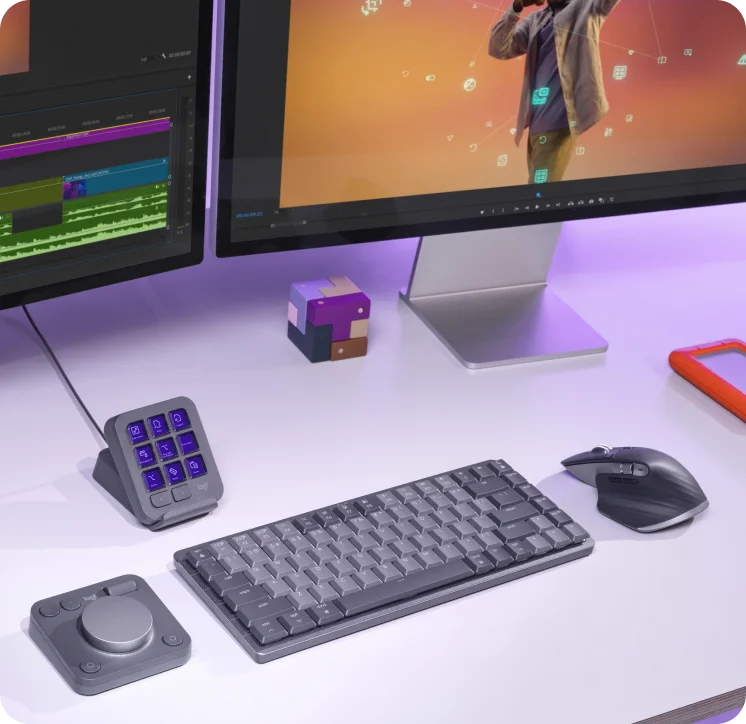
| It leveled up my work in Adobe Premiere. Especially with color correction and color grading. With the wheel, you can achieve precise color adjustment. No more annoying color grading with mice. I like it from the first view, it is stylish, ergonomic, and somehow soft to the touch. It works not only with Adobe, but it is easy to program for other apps like Open Office or even Evernote. On the main screen, you can set your fav apps and websites. Creative Console is one love 💕 |
|
| Anastasiia B. Verified Buyer |
|
|
|
|
|
|
| |
|
 |
|
| Absolutely Love It! |
|
|
|
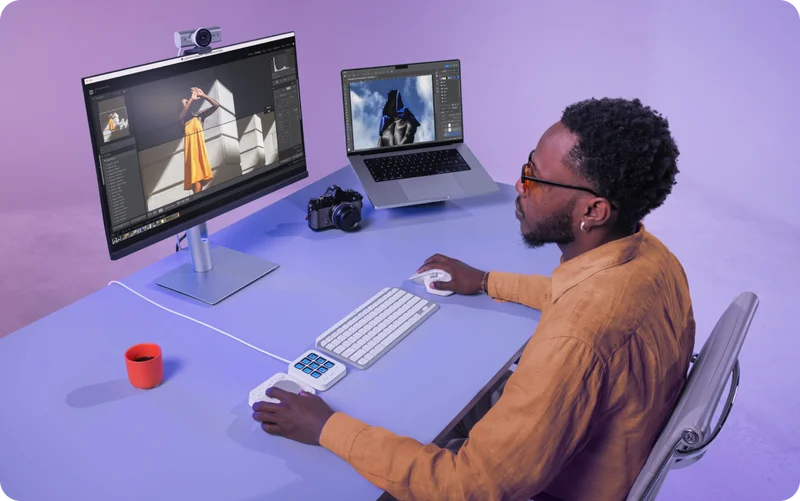
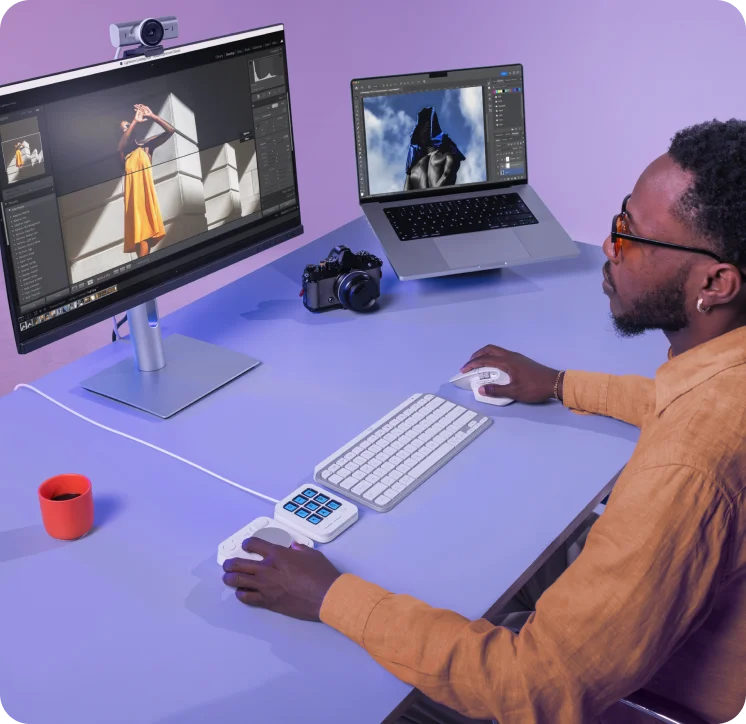
| Works seamlessly. I can foresee so many more plug ins that will make work much faster and easier to navigate around. 100% worth every cent and would recommend to everyone. A++ |
|
| Michael L. Verified Buyer |
|
|
|
|
|
|
| |
|
|
|
| I am obsessed! |
|
|
|
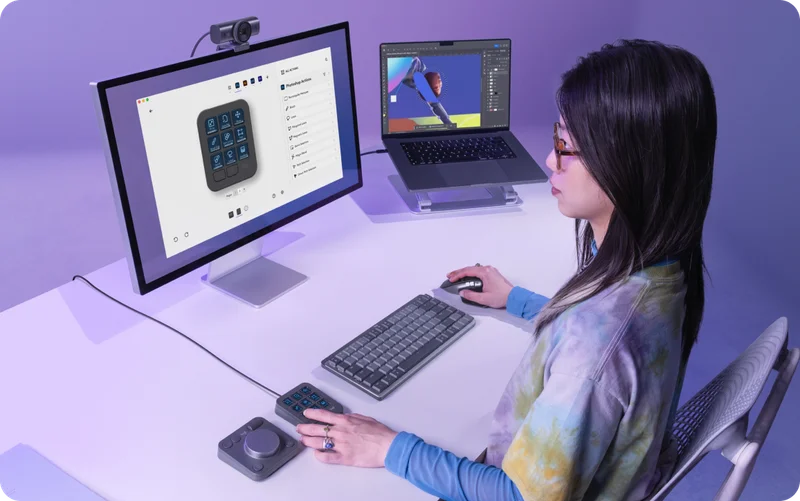
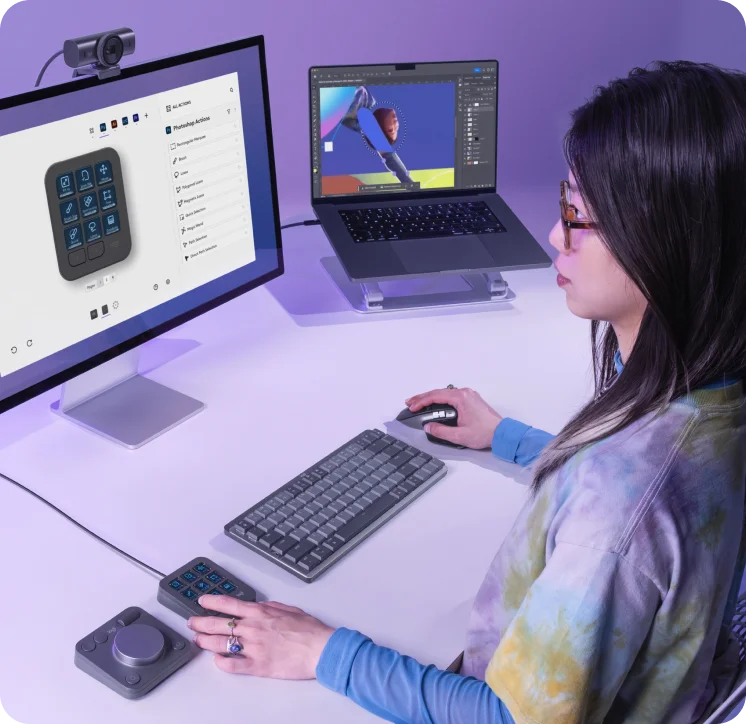
| I am obsessed with this new Logitech MX Creative Console! I am a fulll time content creator, and this makes editing so much easier! I love that I can switch between applications so fast! You can also program it to just regular settings too! I love how easy this was to set up, too! My favorite part is the dailpad, it allows me to move really fast! Definitely recommend if you have a work from home job or a content creator! |
|
| Jess L. Verified Buyer |
|
|
|
|
|
|
| |
|
| Explore MX Master Series |
|
| Unleash your potential with a combination of MX solutions that work best for you. |
|
|
|
| |
|
| Developers of tomorrow |
|
| Ideal for: Coders, Data Scientists, Finance & Business Professionals |
|
|
|
|
|
|
|
|
|
| |
|
Creative
Professionals |
|
| Ideal for: Graphic Designers, 3D Artists, Video Editors |
|
|
|
|
|
|
|
|
|
|
| |
|
Advanced
Minimalist |
|
| Ideal for: Productivity on small or temporary setups, Light travel |
|
|
|
|
|
|
|
|
|
| |
|
Ergonomic
Enthusiasts |
|
| Ideal for: Health-conscious advanced creators |
|
|
|
|
|
|
|
|
|
|
|
|
|
|
|
|