|
| |
Work more efficiently when you customize your
Logitech mice and keyboard experience to your
personal preference. Here are some tips and tricks to
help you get started!
| |
| | |
| | | | EASILY MUTE MEETINGS
& TURN ON VIDEO | | | 1. |
| Press Add application via + button on the right | | 2. |
| Choose your meeting app, Zoom or Teams | | 3. |
| Select button to change and function (ex. mute/ unmute, video on/off) | | 4. |
| Press confirm |
| | 1. |
| Go to All Applications then Add application. | | 2. |
| Choose your meeting app, Zoom or Teams. | | 3. |
| Select Install Profiles, then click Install. | | 4. |
| Assign Mute and Start Video to the buttons that suit your workflow. |
|
|
|
|
|
|
| | |
| | | |
| | | |
| ELEVATE
YOUR APP EXPERIENCE |
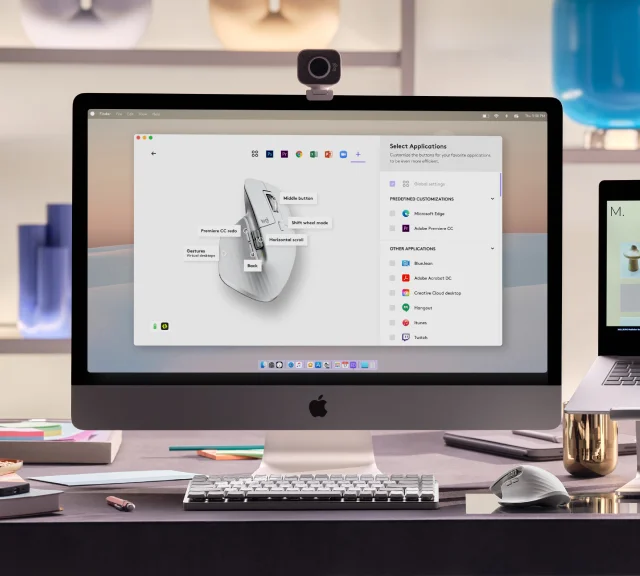
| Always stay focused.
Assign actions to keys and
buttons for specific apps,
such as opening a new tab
in excel or changing the
brush size in photoshop.
Use the predefined settings
or define your own. | | YOUR DEVICES, customized FOR YOUR APPS | | Assign actions to keys and buttons for specific apps, like mute/unmute when in a meeting. Use the predefined settings or define your own so you can always stay focused. |
|
|
|
|
| | |
| | SPEED UP YOUR WORK WITH GESTURES | | Assign a mouse gesture to any button, hold it and move up, down, left, and right to navigate windows, zoom in, control songs, and more to simplify your workflow. |
| 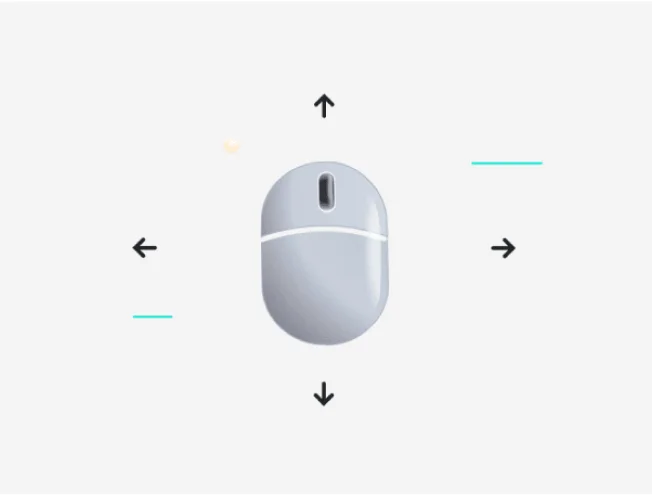 |
| SPEED UP YOUR WORK WITH GESTURES |
| Assign a mouse gesture to
any button, hold it and move
up, down, left, and right to
navigate windows, zoom in,
control songs, and more to
simplify your workflow. |
|
|
|
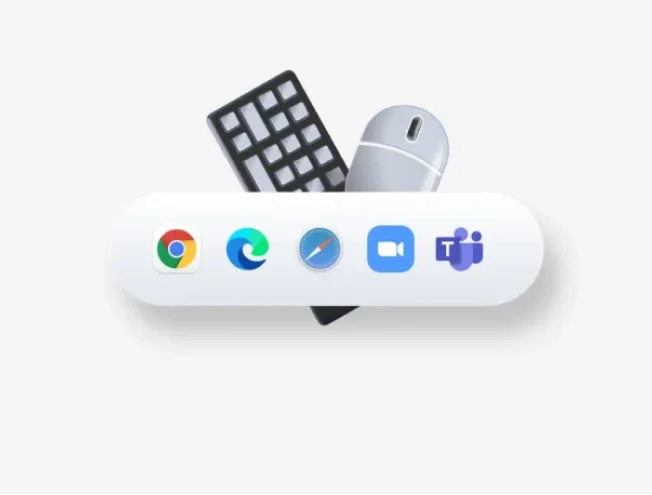
| | | | | | | | | | Enhance your browser for easier navigation | | | 1. |
| Press Add application via + button on the right | | 2. |
| Choose your preferred browser, Chrome or Safari | | 3. |
| Press Confirm |
| | 1. |
| Go to All Applications then Add application. | | 2. |
| Choose your preferred browser, Chrome or Safari | | 3. |
| Press Confirm |
| | You can now use the side buttons for forward and back, or move between tabs with horizontal scroll |
|
|
|
|
|
| | |
|
|
|
|