Ace your first film & Maximize your phone’s potential
Manual Settings Are Crucial
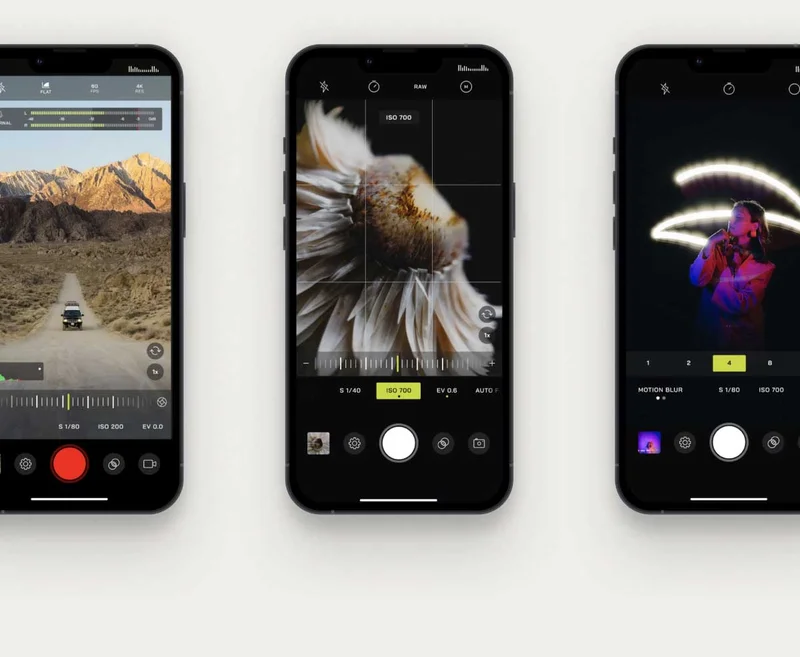
Mobile is here to stay, so it’s crucial to learn how to maximize your phone’s potential. Understand manual settings and level up your footage with the Moment Pro Camera App for even greater manual controls. Features like ISO, zebra stripes, audio levels, and frame rate are what set apart good-looking videos from stock-like footage. Learn more.
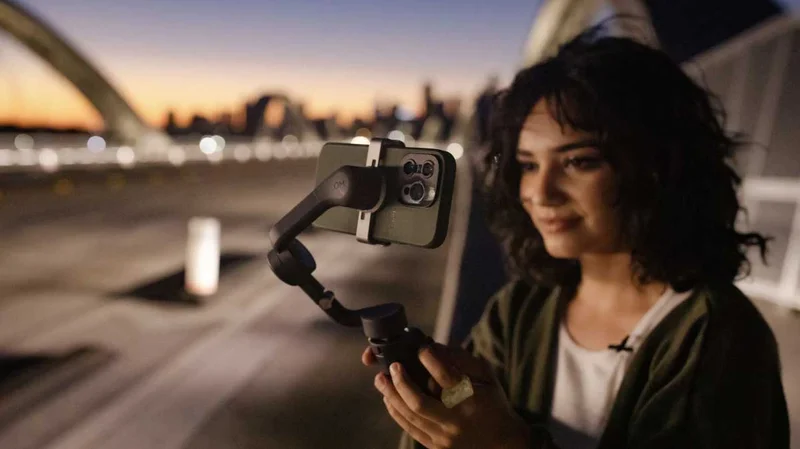
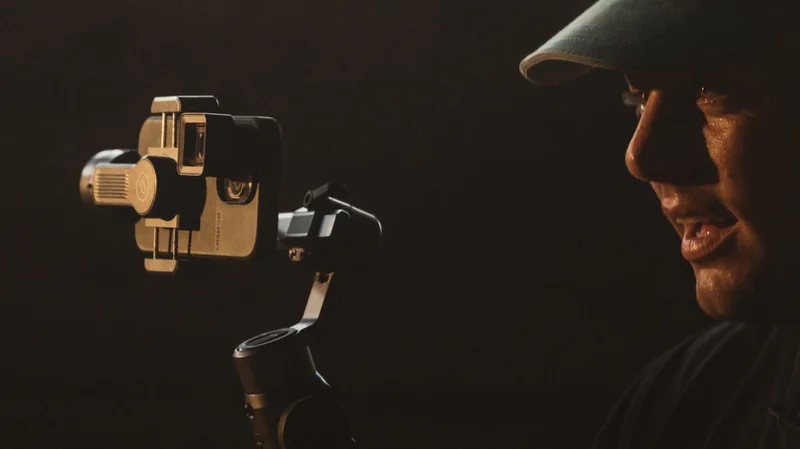
Smartphones are powerful, but their small size can lead to camera shake. Gimbals provide vital stability for smooth, professional-looking footage. Top picks like the DJI Osmo Mobile 6 and Zhiyun Smooth 5S are highly recommended for reliable shooting. Read more about our favorite gimbals.
Moment lenses are a surefire way to get more out of your phone’s camera (literally!). They’re attachable glass that opportune various focal lengths, including that classic Anamorphic frame ratio and cinematic flare. No post-production special effects are needed.
Don’t Forget 10% Off Your Next Purchase of Mobile Gear
Use code “########” at Checkout
Professionals Use This…
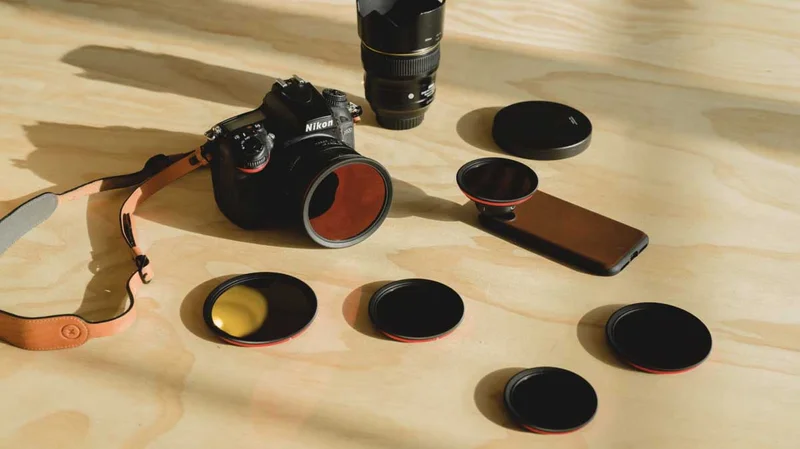
Always use a VND filter for ultra-smooth video quality. Follow the 180-degree rule: set your shutter speed to double your frame rate. For example, if you shoot at 24fps, your shutter speed should be 1/48th of a second. This creates natural motion blur, making your footage look much smoother.
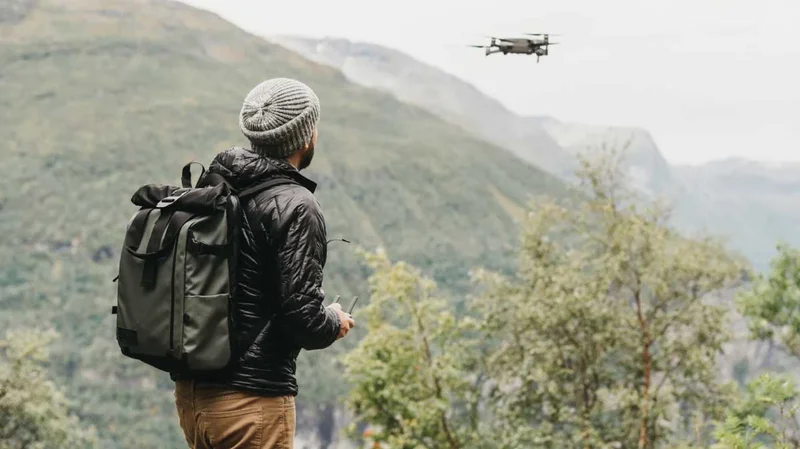
If you need an upgrade, WANDRD offers various slings and backpacks made perfect for the minimalist filmmaker on the go. Stellar quality, sexy designs, and pockets made easy for various packing configurations.
15540 Woodinville Redmond Rd NE Building A, Suite 800 Woodinville, WA 98072 Don't want these emails? Unsubscribeor Manage Preferences
This is an email sent by Moment. All copyrights and
trademarks remain the property of their respective owners. Email
Inspire is not affiliated with Moment.