
|
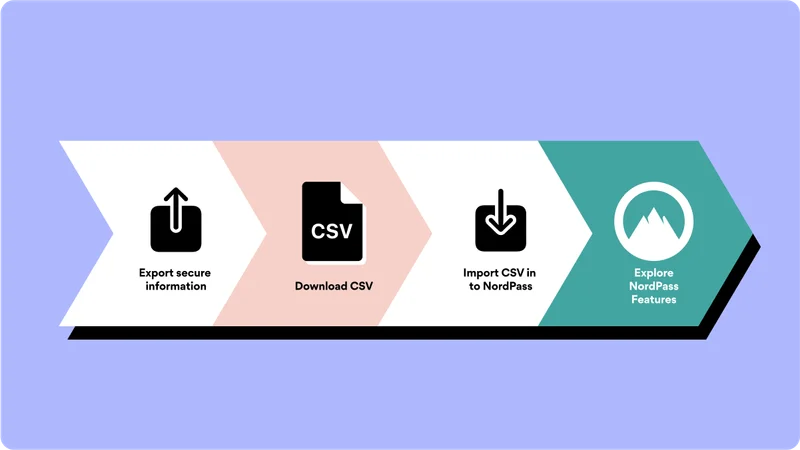
Follow these steps to import your passwords in NordPass



This is an email sent by NordVPN. All copyrights and trademarks remain the property of their respective owners. Email Inspire is not affiliated with NordVPN.
Other Emails from NordVPN

The biggest data breach so far

Your offer expires tomorrow: $0.99 for Premium

Holidays Sale

New NordPass Standalone Extension is Here📍

To Autofill or not to Autofill?

Let’s make things easy: Add your passwords today!

Last call: complete your purchase

1 step to complete your purchase
