Hello there, Paperlikers!
It's me, Alanna from Paperlike, back for another artist newsletter.
And since 2023 is basically over, I bet you think there's no chance we're achieving our goals before the year is up. 🫠
Well, I'm here to tell you that there's still time to make things happen (without driving yourself crazy).
This month we'll find out how to reach our goals, check out some new Adobe program updates, talk about a fun (and free) event with our friends from Design Cuts, and more.
So, let's settle in and try not to think about if the robots are coming after us. 😊
|
|
This month: Reaching end of year goals
Alright, I can hear the clock ticking towards the end of the year, and you probably can too. And when all is said and done, what will you have to show for it?
It'd be easy (and totally normal) to panic in a situation like this. But let's take this as an opportunity to simply change our perspective.
These resources will help you out because, believe it or not, there's still time to reach that goal!
It's not too late
- 7 Steps to achieve your goals in the final quarter of 2023. Yes. Just yes. This YouTube video by artist Allison Aletha is loaded with seven approachable tips for artists who feel like they've basically done nothing this year. Things won't be perfect, and that's okay! You can still achieve one more small thing before 2023 wraps.
- How to get your mojo back in 2023. This article by Creative Boom tells you how to get to the goals that you want to achieve. It offers practical advice like not being hard on yourself and instead focusing on what you can actually control. Basically, stop freaking out so much, and don't be overly ambitious to close out the year.
- Compassionate Goals for Artists. You might have fallen short of achieving a goal from this year, but it's honestly okay. Artist Christine Nishiyama shines a light on how, as artists, we can be our own worst critics through this insightful blog post. Instead of beating yourself up, try letting go of perfection and focus on what you can do today (or tomorrow).
|
|
Image: Design Cuts
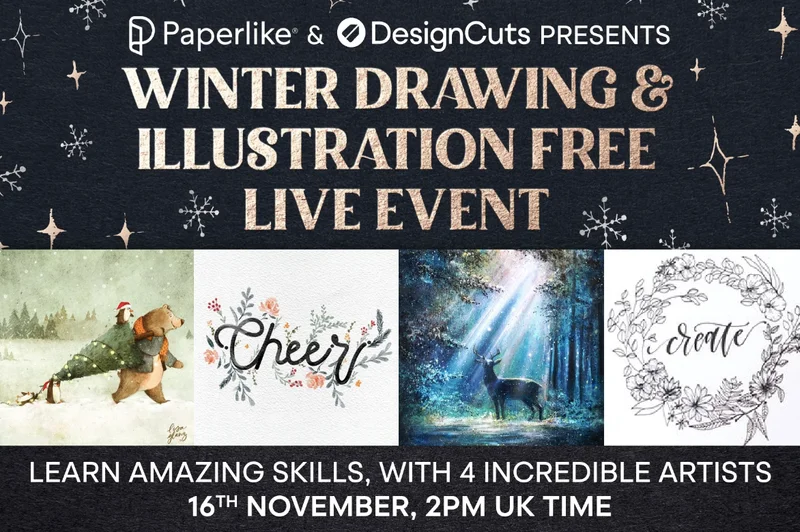
LIVE EVENT: Winter Drawing & Illustration
We're proud to collaborate with Design Cuts for an exciting (and free!) Winter Drawing & Illustration live event.
Learn how to create a variety of illustrations in four different workshops with creative professionals from around the globe.
You'll also have the opportunity to ask questions while they work.
The fun kicks off at 9 AM EST / 2 PM GMT on November 16th, so sign up to register so you don't miss out.
|
|
Image: Women of Type
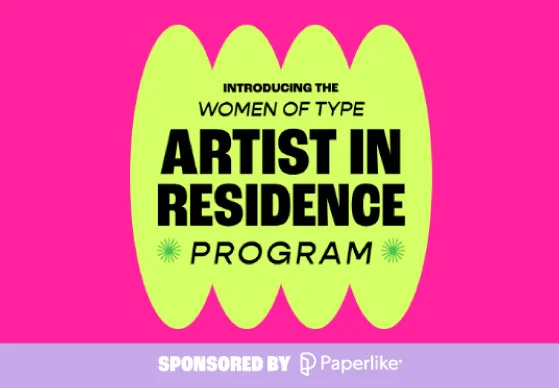
Featured: Women of Type - Artist in Residence
Not to get all emotional, but artists like you are at the heart of what we do here at Paperlike.
That's why we're proud to partner with Women of Type on this Artist in Residence Program, where we feature (and PAY) female and non-binary lettering artists each month.
The chosen artists will receive $800 and have their work featured on both Women of Type’s and Paperlike’s Instagram pages.
So don't be shy; applications are open for the upcoming month! If you or someone you know meets the criteria, we encourage you to check out the program and apply before Nov. 6.
Good luck! 🍀
|
|
Image: Adobe / Adobe MAX
ICYMI: Adobe MAX recap
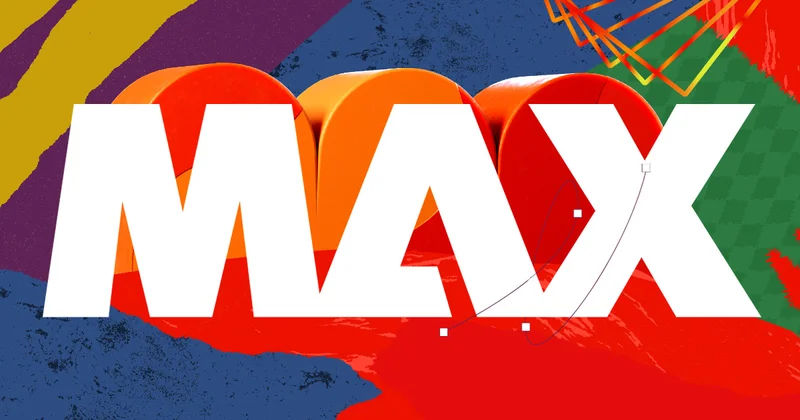
This month, one of the largest creative conferences was held: Adobe MAX. Creatives from all over the globe came to hear about the newest innovations that Adobe has brought to its programs. (Also, did you guys see the digital dress?!)
But don't freak out if you missed anything because the Adobe MAX sessions are available to replay for free.
And if you don't happen to have time to browse the 100+ sessions they had, I've found the most important highlights that you should know about.
Here are some of the boldest new features that were announced:
If you want to learn even more about the exciting tools that have come to Adobe programs, check out the keynote replay. |
|
Brushes of the month
An artist is nothing without their tools, and a digital artist's best tools are the brushes they use. When it comes to digital brush packs, there's no such thing as having too many.
That’s why we’re bringing you the latest and greatest from the world of digital brushes.
No matter if you’re a Procreate fan or an Adobe loyalist, you’ll find something on our round-up for you.
Let’s take a look at this month’s picks:
Fall 2023 Brushes
Embrace the fall season with this new Fall 2023 brush pack by Illustrator Kyle T. Webster. Perfect for all things fall, this pack is loaded with leaf stamps, textures, and foliage brushes.
For double the fun, they're compatible and ready to use in both Adobe Photoshop and Adobe Fresco. Bring your work to life with this fun set.
Pastel Mega Brush Set for Procreate
Dive into the beauty and texture of pastels with this Pastel Mega Brush Set by DeloresArt. The pack features over 50 brushes and additional assets, including an artist resource page and realistic paper textures.
When you import them into Procreate, you'll find a range of pastel brush finishes, from smooth and soft to textured and sharp. Great for creating natural scenes, patterns, and more.
Winter Christmas and Fall Brushes
Want to upgrade your next seasonal piece in Illustrator? This Winter Christmas and Fall Brushes brush pack by Marina Popmarleo of Popmarleo Shop is great for doing just that with these vector brushes.
The pack features soft pastel florals, leaves, and foliage ready in a number of formats like AI, JPG, EPS, and PNG. Use them to add a simple-yet-sophisticated, hand-drawn feel to your work. |
|
Image: Adobe
Scroll-stopping takes: generative AI - Is it helping or hurting creativity?
It feels like everywhere you turn, there's a conversation happening about generative AI. This probably has something to do with the release of so many generative AI features during the Adobe MAX conference (scroll back up to refresh your memory).
And it was this article by Creative Director and Brand Strategist Von Glitschka that made me think about what these kinds of tools could mean for newer designers, students, and professionals alike.
Is generating graphics from a text prompt really going to become the new standard for creation or simply a way to come up with ideas?
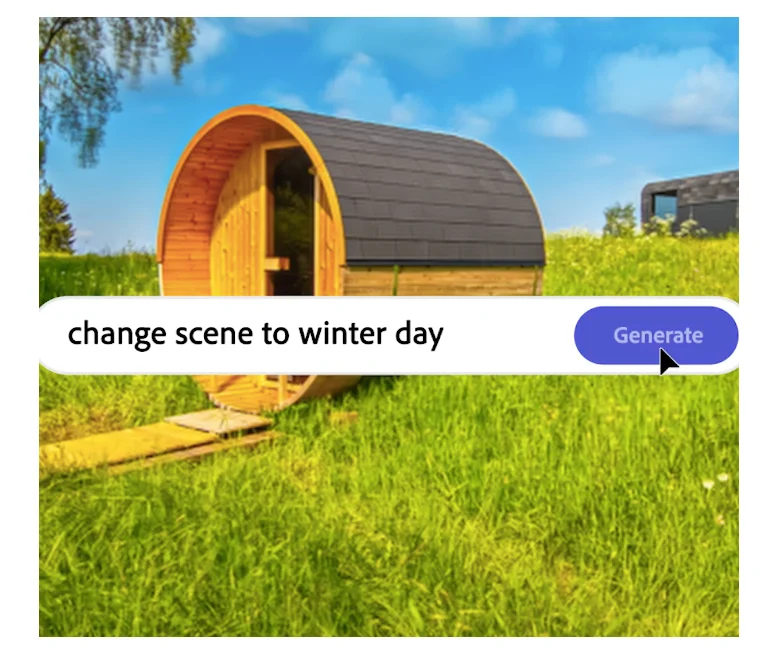
As far as creating vectors goes, I think it's safe to say that artists still have the upper hand. The Text to Vector Graphic feature in Adobe Illustrator is still too new and lacks the nuance to produce more polished results.
As you start experimenting with these features, it's important to note that art generated by AI isn't copyrightable. So basically, you'd technically have no legal leg to stand on to protect your rights to the work. Adobe has stated that they've made sure that their AI models are only trained on work from Adobe Stock — which they technically have the rights to — despite the controversies surrounding the Adobe Terms of Service and the rights it gives Adobe to your content for AI and machine learning.
So is this a direction we should be going in? As artists, I think we have the right to be the judge of that. |
|
Image Credit: Paperlike
Let's wrap it up
Alright, that's it from me for this month's newsletter.
Remember: It's not a race! Start with a small goal and then go from there.
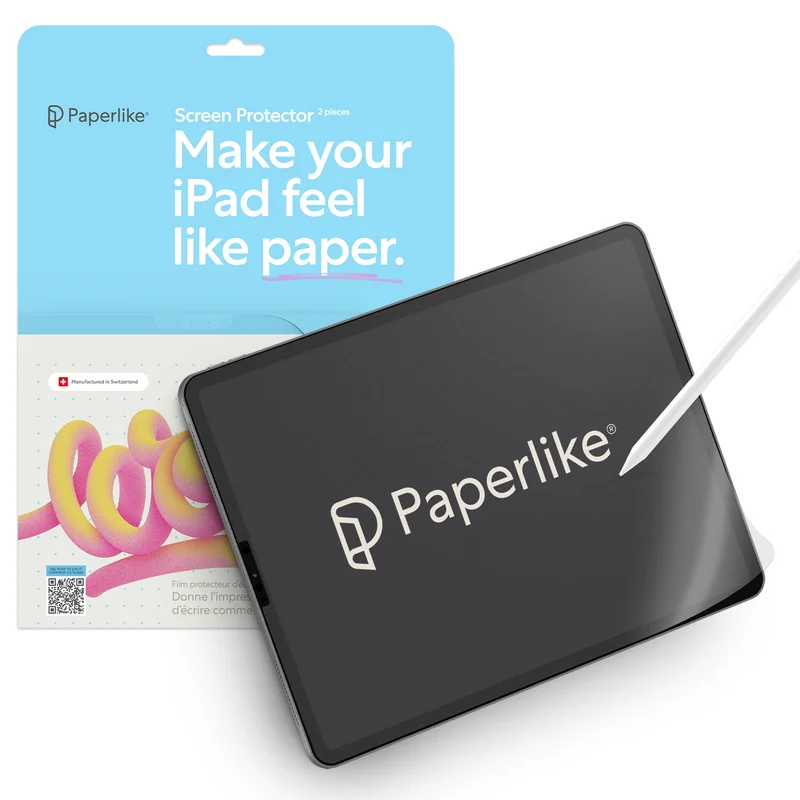
And don’t forget a Paperlike while you're creating. The just-like-paper surface helps to make drawing on your iPad feel more natural, which is huge for you and your art.
Until next time…
Your friend,
Alanna
|
|
This email was sent to name@example.com because you've subscribed to our newsletter or made a purchase through our site. You can change your content preferences anytime.
No longer want to receive these emails? Unsubscribe. Paperlike GmbH c/o WeWork Hermannstrasse 13 Hamburg, Hamburg 20095 |
|
|
|
|