Hello there, Paperlikers!
It's me, Alanna from Paperlike, back for another artist newsletter.
In case you didn't notice, the year is coming to a close. Your workload is getting lighter (I hope), and you're left to think back on all of your amazing artistic accomplishments!
So why not start sharing online and creating mockups of your favorite pieces? It can help to get your work out there and maybe even make you some money (if that's your thing). 💰
In this newsletter, we'll explore how to do that, express disappointment that Apple isn't giving us any new iPads 😞, and more.
Alright, so let's get this show on the road! After all, what could go wrong?
|
|
This month: You made the artwork. Now what?
You can totally make art just to do it. But you know what's even more fun? Thinking of how you can share it with others!
Believe it or not, you have a lot of fans out there waiting to discover your work, and one of the main hurdles is showing it to them.😊
There are also other concrete steps that you can take to showcase your work in the best light possible.
Put yourself out there
- How to Market Your Art Like a Pro: From Creation to Sale. You can create the work, but what about marketing it? It could easily be your ick to put on your sales hat to promote and sell your work. But this video will walk you through how to make it happen without losing your mind. And you don't have to do everything, but it's a start.
- Adobe Illustrator Mockups in Beta. Using your own image or a stock photo, you can now create a realistic mockup in Adobe Illustrator. And I know that it's in beta right now, but hear me out. You'll be able to instantly morph your graphics to fit an image using the Mockup panel. That means you won't have to search the internet for mockup Photoshop files anymore. *Cue the celebratory music.* 🎻
- 5 Things You MUST DO After You Finish Your Artwork! The time has come to make sure your artwork is ready for the spotlight. Starting with getting a good photo of it! Now, if you're a digital artist, there are still other small tweaks you can make to your work as you export it to make sure it looks the best that it can. Thankfully, ErgoJosh has the tips to help you succeed as you share or sell your work.
- 15 Steps to Take After Completing Your Artwork. While you might not be a traditional artist, a lot of the tips outlined here are great to apply to any kind of work that you create. For example, we could all be better about naming our art files and signing our work. After that, have you ever considered blogging about your work? Yup, you can do more than just post your work on social media. And these are just some things that can help you, so check the rest out for yourself!
- You Finished a Creative Project, Now What? It doesn’t get more to the point than that. And maybe that’s exactly how you feel. But it’s easy to forget that once you’re done with a piece of art or a project, celebrating and resting are good to do. Because if you don’t, how will your next idea ever come to you? Don’t be fooled by the fast-paced culture of being a digital artist. Taking your time and easing into the next thing can be just what you need.
- The Business of Art | The Three C’s of Online Marketing. If you’re easily overwhelmed, this is a good way of breaking down marketing your art. Marketing at its core is just sharing, so this blog post actually helps you identify your goals, who you want to share your work with, and more. In my opinion, that’s way easier than reading an entire marketing book, but to each their own.
|
|
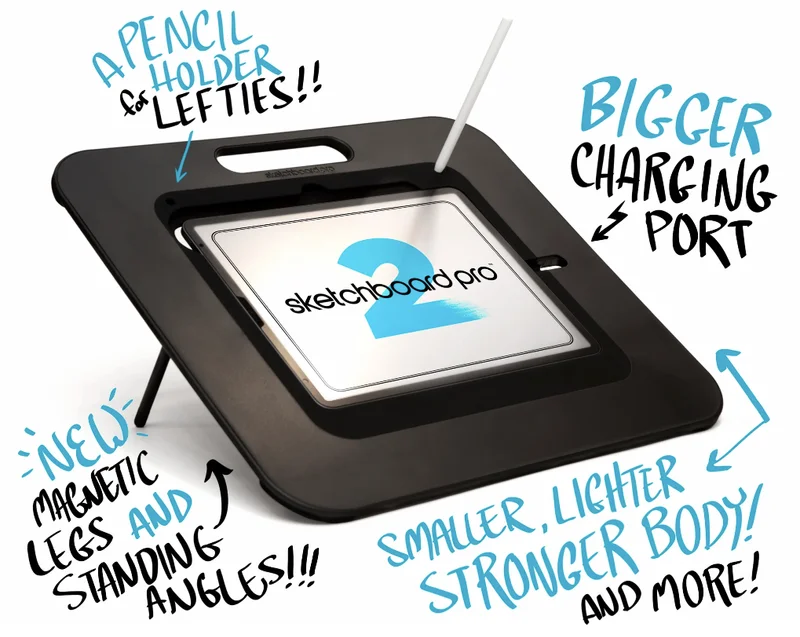
Image: Sketchboard Pro 2
ICYMI: The new Sketchboard Pro 2 is coming!
Our friends over at Sketchboard Pro have upgraded their #1 iPad stand. If you've ever had discomfort while drawing on your iPad, an accessory like the Sketchboard Pro can help you with its adjustable drawing angles that can improve your posture.
No more slouching, slumping, or contorting to create. I've had a few of my artist friends tell me that your back and shoulders will thank you.
Here are some of the upgrades that you can expect from the next version:
- 🏋 Lighter weight. The new Sketchboard Pro 2 is curvier and 25% lighter than the original.
- 📐 New angles. You'll be able to adjust between 20-72 degree standing angles thanks to the new magnetic legs.
- ⚡ Bigger charging port. Easily connect your iPad to power while it's in your stand.
- 🤚 Left-handed support. Enjoy a pencil holder spot for left-handed artists.
You can place a pre-order now to get yourself ready for drawing in the new year. Oh, and they offer student discounts!
P.S. While you're at it, why not throw in the NEW Paperlike Cleaning Kit? It now features a refillable container that's good for up to 500 cleaning sessions. |
|
Brushes of the month
An artist is nothing without their tools, and a digital artist's best tools are the brushes they use. When it comes to digital brush packs, there's no such thing as having too many.
That’s why we’re bringing you the latest and greatest from the world of digital brushes.
No matter if you’re a Procreate fan or an Adobe loyalist, you’ll find something on our round-up for you.
Let’s take a look at this month’s picks:
|
|
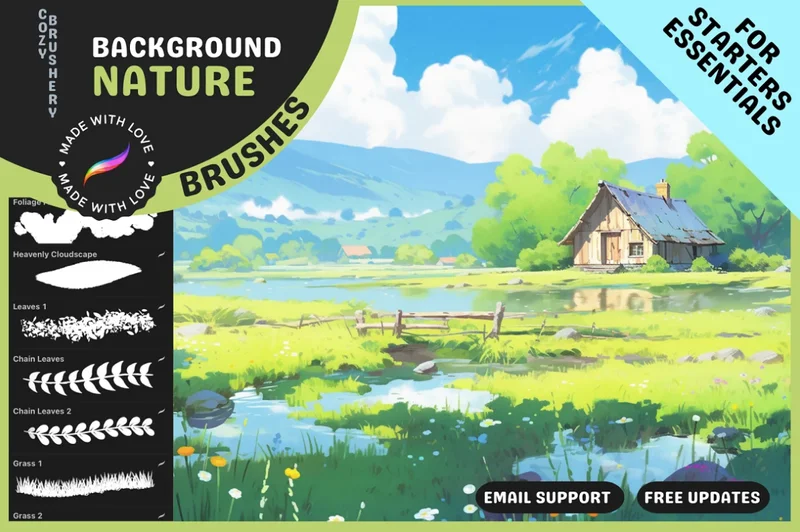
Image: Cozy Brushery
Procreate Nature Background Brushes
If nature and beautiful landscapes are your thing, you'll get a lot out of this brush pack.
The Procreate Nature Background Brushes pack is full of over 70 foliage brushes for Procreate.
With them, you'll be able to create outdoor scenes with ease for personal and commercial projects. Plus, the mix of stamps and specialty brushes gives you a variety of ways to create.
Cozy Brushery has over 20 years of experience as an artist and creates brushes to help other artists with their creativity.
|
|
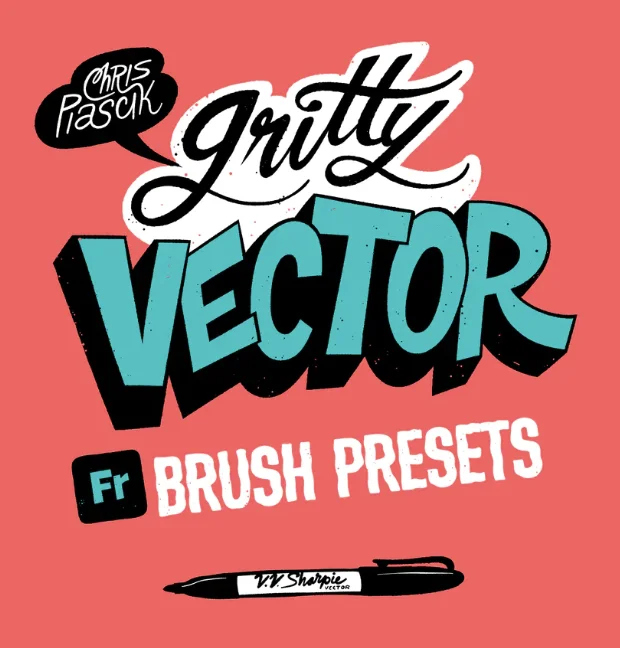
Image: Chris Piascik
Gritty Vector Brushes
Who said vectors couldn't be fun? This brand new Gritty Vector Brush Presets brush pack from illustrator, lettering artist, and animator Chris Piascik comes with six brush presets to help you add a fun texture to your vectors in Adobe Fresco.
Simply use the easy-to-follow guide for how to install the brush presets into your Creative Cloud to make them accessible to use in Adobe Fresco.
These brushes make the most out of Adobe Fresco's vector brush engine, from outline brushes to vectors of varied widths. You can also watch this video for a demo of how to install them.
|
|
Image: Pretty Little Lines
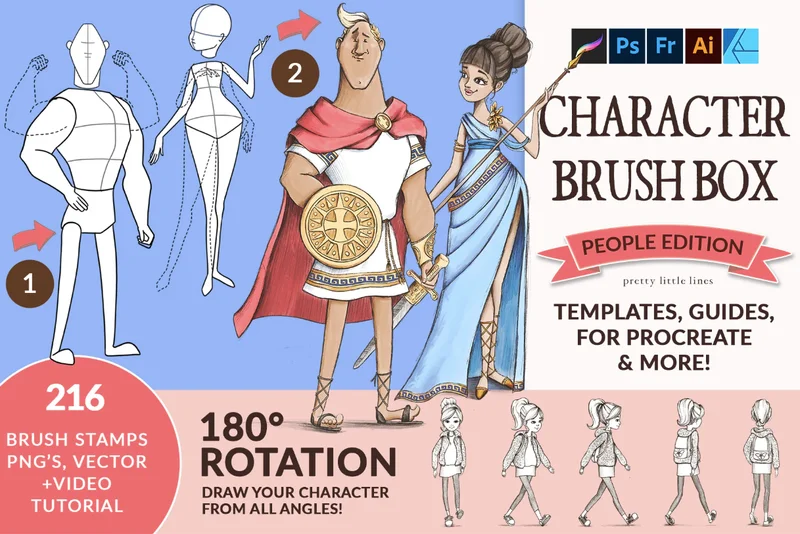
Character Brush Box: People Edition
If you have problems with character design and drawings, this massive brush pack is sure to help you out. The Character Brush Box - People Edition comes loaded with 200 brush stamps in a variety of formats.
These user-friendly brushes come with figure poses, guidelines for eyes, heads, and more. You can check out the brushes in action to see them for yourself in this video.
This is one of many fun brush packs from Pretty Little Lines to help bring your next piece to life. |
|
Image: Apple
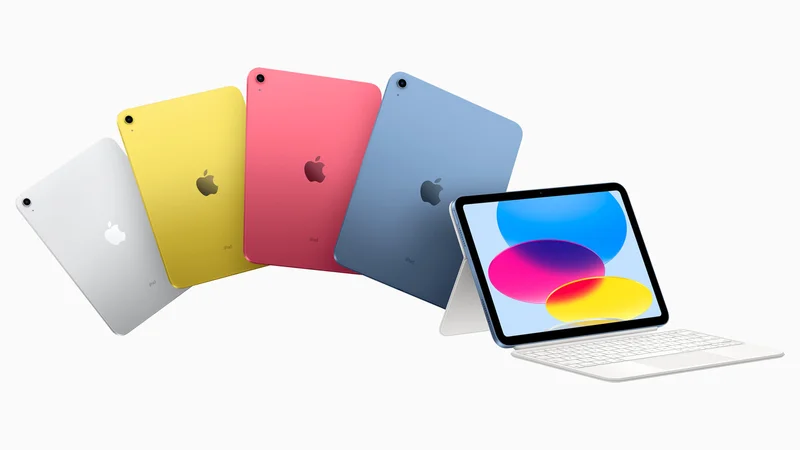
Scroll-stopping takes: The first year without a new iPad announcement since 2010
I'm surprised (and sad) that Apple didn't announce any new iPad models this year. But is it because we've been spoiled for the past 13 years?
Possibly, but in true Apple fashion, it would appear that they're just striving for perfection (aka they're coming in 2024).
But at this point, there are so many options for the different models of iPad, and now for the Apple Pencil as well, that it can be confusing, as shown by this wonderful graphic.
Maybe the new M3 family of chips announced for the Macbook Pro will make their way into whatever comes next for the iPad 👀. And while I love to speculate just as much as the next person, we'll just have to wait and see what we get.
P.S. If you’re shopping for a new Apple Pencil, don’t mistakenly get the new Apple Pencil (USB-C)! While it’s a great stylus for the right user, it lacks pressure sensitivity, so it's not really for artists. And the last thing we need to be doing is spending money on something we can't use. You're welcome.😎
|
|
Image: Paperlike
Let's wrap it up
And that's a wrap for this year’s newsletters! December is always a busy month, and we don’t want to crowd your inbox (although you’ll still hear from Paperlike about some cool things coming at the end of the year).
If you find yourself with a little free time over the holidays, take a chance and download the all-new Procreate Dreams app! It's supposed to be what dreams are made of✨.
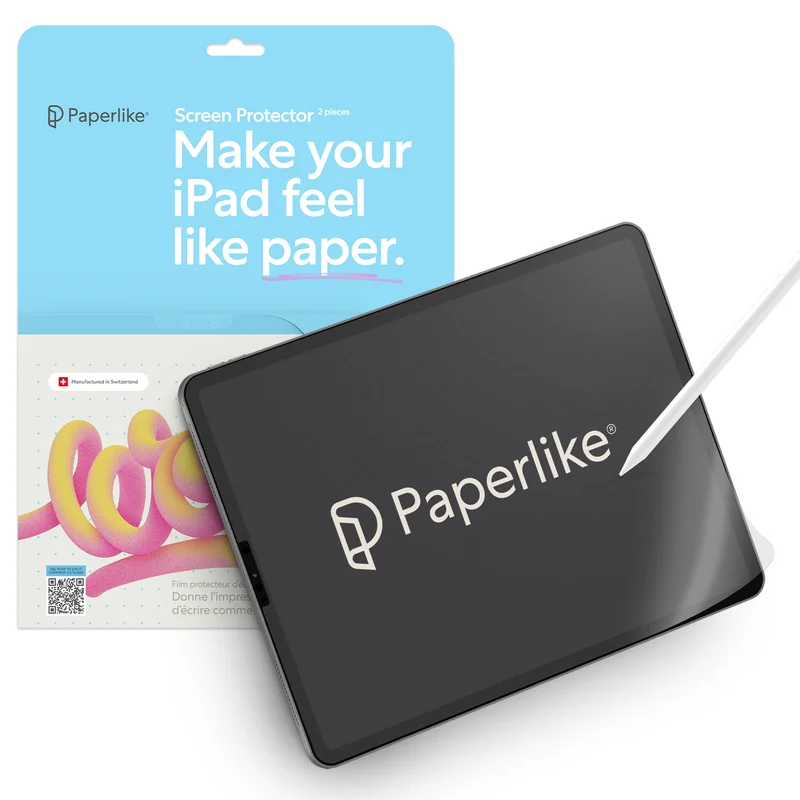
And, of course, don’t forget to get your Paperlike before you get to work on your next piece.
The added resistance on your screen makes drawing feel natural, which is great for you and your art.
See you in 2024!
Alanna
Digital Arts Writer
Paperlike
|
|
This email was sent to [username]@example.com because you've subscribed to our newsletter or made a purchase through our site. You can change your content preferences anytime.
No longer want to receive these emails? Unsubscribe. Paperlike GmbH c/o WeWork Hermannstrasse 13 Hamburg, Hamburg 20095 |
|
|
|
|