Hey Paperliker,
February is here, which means Valentine’s Day is everywhere, and suddenly, everything is about pairs. Hearts, chocolates, matching this and that.
It got me thinking about how often productivity works the same way. Some tools are fine on their own. Others just make more sense together. So this month, I’m leaning into combinations that quietly make things work a little better.
|
|
App-ventures in notetaking: What’s new and noteworthy
App updates are still coming in hot this year, ranging from big platform shifts to small changes that fix long-standing annoyances. Here’s what stood out in the notetaking world this month.
- Evernote officially rolled out version 11, a major update focused on rebuilding the app’s core foundations. The goal is to improve sync, speed, and reliability, with over 250 improvements already done. The biggest additions are three new AI features: an AI Assistant, Semantic Search, and AI Meeting Notes.
- Notability announced several features coming later this semester. The one I’m most excited about is nested folders. It’s about time! Note organization is the one thing I felt gave Goodnotes the edge, so now I may have a hard time deciding which to use. 🤩
- Goodnotes added the ability to lock objects so they don’t accidentally move while you’re writing or adjusting a page. It’s a small update, but a very welcome one if you use shapes, images, or text boxes and are tired of nudging things out of place.
With updates like these rolling in, it’s a good time to see what’s changed in the apps you already use. You might be surprised by what’s quietly improved.
|
|
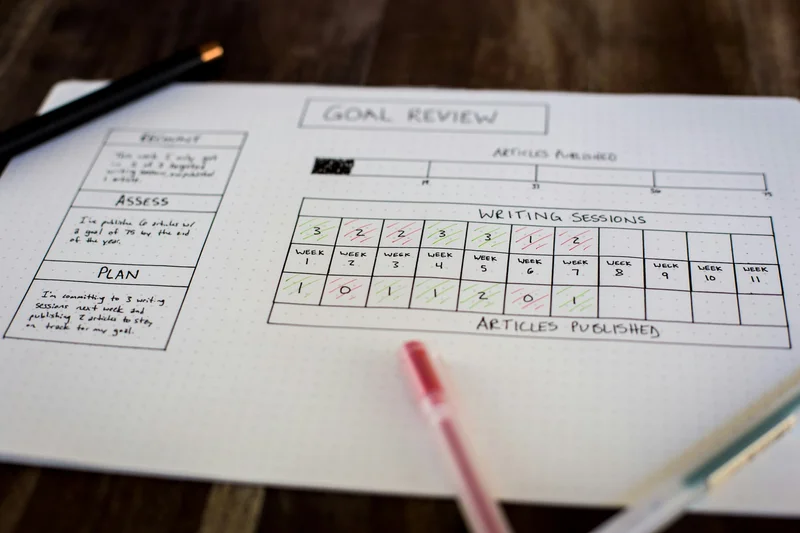
Make your resolutions stick. (Image: Tim Mossholder on Unsplash)
This month: Perfect pairs
Some tools are fine on their own. Some are better together. And sometimes the difference between “this is okay” and “this actually works” is just pairing the right things.
Here are a few combinations I’ve been thinking about lately:
- Thinking Mind + Observing Mind
Mark Manson describes two modes: the Thinking Mind, which analyzes and tries to control everything, and the Observing Mind, which simply notices what’s happening. Most of us default to Thinking Mind. Pairing it with a moment of observation completely changes the tone. In a Weekly Review, you notice the patterns first, then decide what to do next.
- Notability + Notability Gallery
Notability on its own is solid. But pairing it with Notability Gallery makes it much more flexible. The Gallery is completely free and packed with templates you can search by keyword, from planners to study layouts to niche note formats. I use it all the time when I don’t feel like building a page from scratch.
- A productivity method + the right app
A method gives you structure. An app gives you execution. Time blocking works better when you actually have a calendar you trust. Weekly Reviews are easier when you have a place to write them down. If you’re experimenting, I put together a full list of my favorite iPad apps for boosting productivity that pair well with different methods.
- Apple Pencil + the right Pencil tip
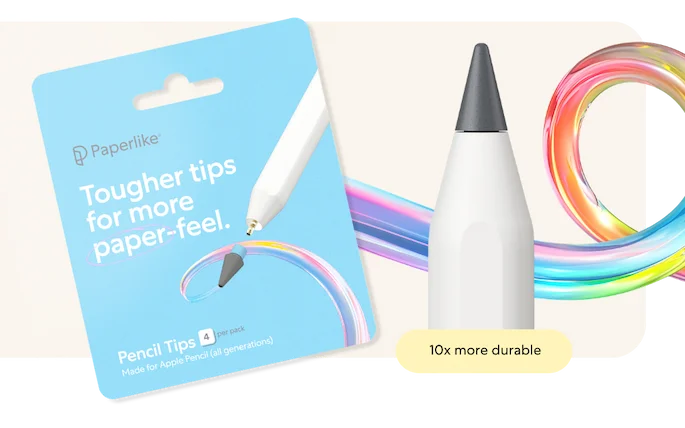
The Apple Pencil is powerful on its own, but the tip you use changes the feel more than most people expect. A different tip can give you more control, more precision, or a more natural writing experience, depending on how you use your iPad. If you write or draw a lot, upgrading your Pencil tip is one of the simplest ways to fine-tune your setup.
- A notetaking app + a digital planner
Your notetaking app holds your ideas. A digital planner helps you decide what to do with them. I like using a dedicated planner alongside my main notes app so projects don’t live only in scattered pages. If you’re exploring options, I’ve rounded up the best notetaking apps, and, of course, our Pro Planner is built to work seamlessly with them.
Sometimes productivity isn’t about adding something new. It’s about making sure the pieces you already use actually support each other.
|
|
Image: Isaac Smith on Unsplash
Lindsay’s productivity challenge: Weekly Reviews
Some months are about setting goals. Others are about stepping back and making sense of what actually happened. That’s why this month is all about Weekly Reviews.
What are Weekly Reviews
A Weekly Review is a short check-in you do at the end of the week to reset before the next one starts.
Instead of jumping straight into planning, you take a minute to look back. What worked. What didn’t. What kept getting pushed aside. And what you don’t want to carry with you into the next week.
If you want a deeper breakdown of how Weekly Reviews work (and why they’re so effective), I wrote about my full experience using them on our blog.
How I’m using it this month
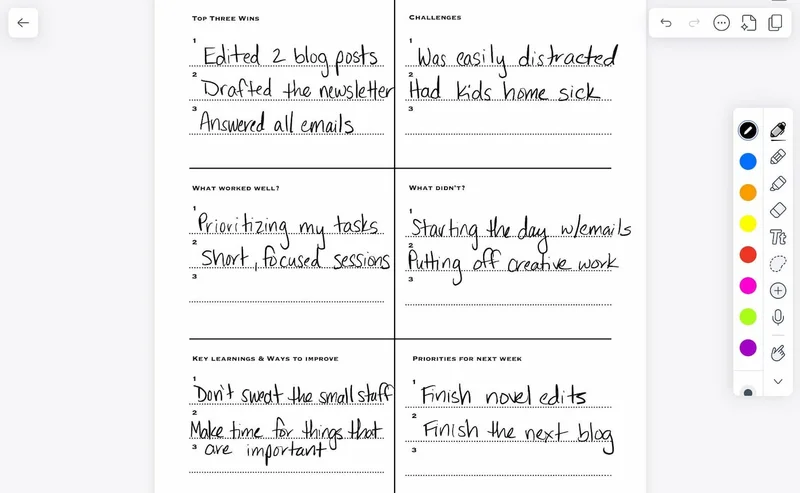
This month, I’m doing my Weekly Reviews directly on my iPad, usually Friday afternoon or Sunday evening, depending on how the week shakes out. I’m using a template that I found in Notability.
It includes these prompts:
- Top three wins
- Challenges
- What worked well?
- What didn’t?
- Key learnings
- Priorities for next week
That last one is the most important part for me. Choosing one clear priority ahead of time makes Monday feel less chaotic and helps me start the week with a plan instead of a pile of open tabs.
|
|
My Weekly Review. (Image: Notability / Screenshot by Lindsay Armstrong / Paperlike)
Your challenge
This week’s challenge is to do a full Weekly Review.
Set aside 30–60 minutes at the end of the week and walk yourself through a proper reset. Reflect on what went well, what didn’t, what you learned, and what you want to change moving forward.
You don’t need a special app or a perfect setup. A notebook, notes app, or planner works just fine. The goal isn’t to document everything. It’s to pause long enough to make intentional choices before the next week starts.
After you’ve done your Weekly Review, answer this one question:
What’s the one priority you’re carrying into next week?
If you feel like sharing, reply to this email with your answer. I’d love to read it. We’ll even feature a few in our next newsletter!
|
|
Image: Eric Prouzet on Unsplash
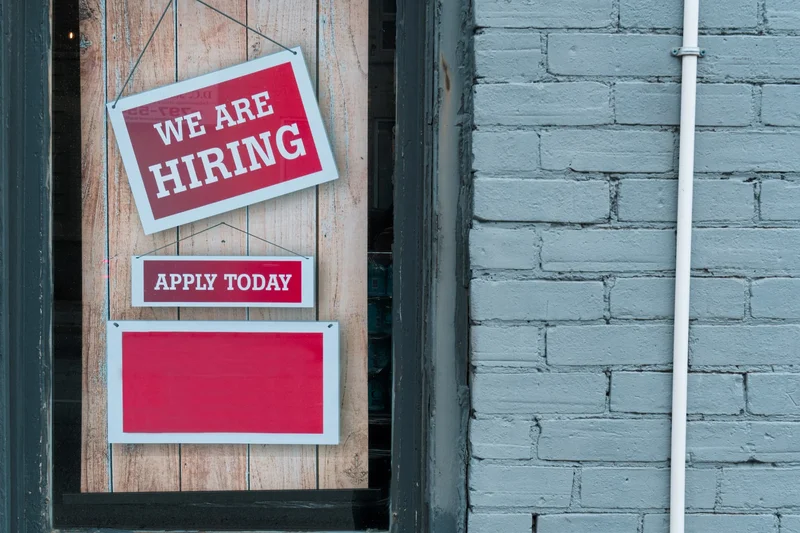
We’re hiring!
Paperlike is looking for a video content creator to help us bring iPad productivity and digital art workflows to life on our socials. If you love making short-form videos, use your iPad regularly, and enjoy turning everyday workflows into engaging content, this one’s worth a look.
You can check out the full role details and apply at this link. |
|
Wrap up
That’s it for this month.
Productivity doesn’t usually improve because you add more. It gets better when the right things start working together, and you give yourself a little space to notice what’s actually helping. I hope something in here gives you a pairing worth keeping as you head into the next week.
See you next month!
Lindsay
Productivity & Notetaking Writer |
|
|
|
|