|
Also discounts, make the most of you Wacom and more
|
|
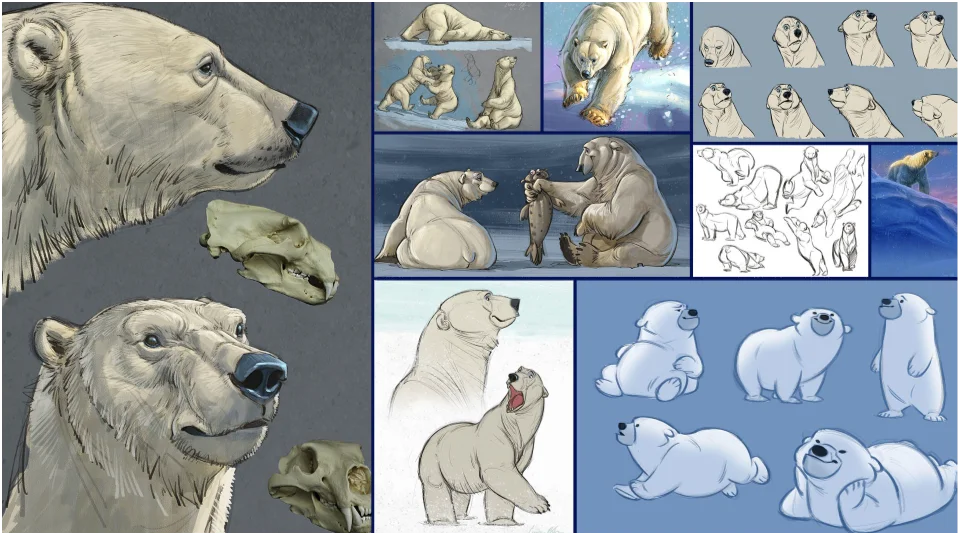 |
From Inspiration to Final Art: Aaron Blaise’s Journey of Bringing Real Animals to Life in AnimationTuesday, November 12, 20244:00 PM Eastern | 1:00 PM PacificStep into the world of animation with Oscar-nominated artist and beloved animation mentor, Aaron Blaise. In this exclusive webinar, Blaise will unveil his creative process—showing how real-life animal behavior and movement inspire him to design memorable, emotive animated characters. Blaise’s career spans some of the most celebrated films, including The Lion King, Mulan, Beauty and the Beast, and his co-directed masterpiece, Brother Bear. Now, he’s tackling a uniquely personal project, Snow Bear, an independent film entirely hand drawn by Aaron in the style of classic 2D animation. With each scene and character brought to life from scratch, Snow Bear captures his love of nature and storytelling, crafted with the care and passion that only a project of the heart can inspire. Whether you’re a student, a professional animator, or simply a fan of Aaron Blaise’s work, this session offers invaluable guidance on infusing personality and expression into your own art. Don’t miss this chance to learn directly from one of animation’s masters, as he shares his passion, expertise, and tips on bringing nature’s creatures to life in animation. Join Wacom and Aaron Blaise for an inspiring and educational experience. |
| Register now |
|
|
|
|
|
|
Free webinar on Wacom YuifyClaim Authorship of your Art Using the Digital Record from Your Unique Creative Process with Wacom Yuify Thursday, November 14 5:00 PM Eastern | 2:00 PM Pacific Stand close to an oil painting and you will see the unique brushstrokes of the artist. Those feathery touches or bold lines are the result of the artist’s preferred paints, canvas, their posture as they settled into the creative flow. Brushstrokes, along with subject matter, color and types of media, often identify the author of piece without a signature or overt documentation. The same concept applies to digital art. You leave a digital fingerprint based on the apps you use, the pressure you apply and the quantity of strokes you make. Wacom Yuify, now in public beta, allows you to use that record to claim authorship of your work. With Yuify, you can embed your authorship in your work, while allowing for hassle-free licensing and easy collaboration. Join the Wacom team for a look at Yuify, including the steps for registering artwork with your unique proof of creation, retrieving and identifying the creators of pieces of art and creating and honoring licenses that you have chosen. This session provides an opportunity for discussion with members of the Wacom team and information on joining the public beta. |
|
|
|
|
|
|
|
|
|
|
|
|
Discover a wide range of discounts and promotional offers that allow you to save big on select new and refurbished Wacom products. Whether you’re an aspiring artist, professional designer, or creative enthusiast, our limited-time offers and attractive savings make it easier than ever to upgrade your creative toolkit. |
|
|
|
|
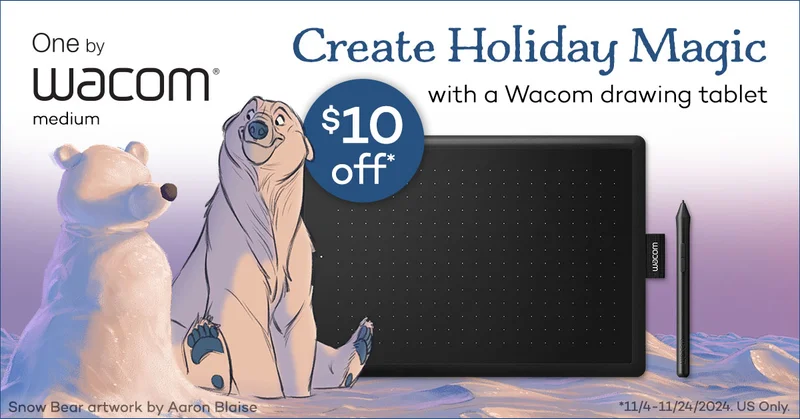 |
Save $10 on One by Wacom medium One by Wacom brings digital creativity to the classroom, allowing students to easily transition from traditional pen and paper to digital drawing and handwriting. This versatile tool can enhance various subjects, from art to academic assignments, fostering 21st-century skills. Just as Aaron Blaise used digital tools to create his stunning "Snowbear" artwork, students can explore their own artistic potential with One by Wacom, making digital learning and creativity accessible to beginners and experts alike. |
| Shop and save |
|
|
|
|
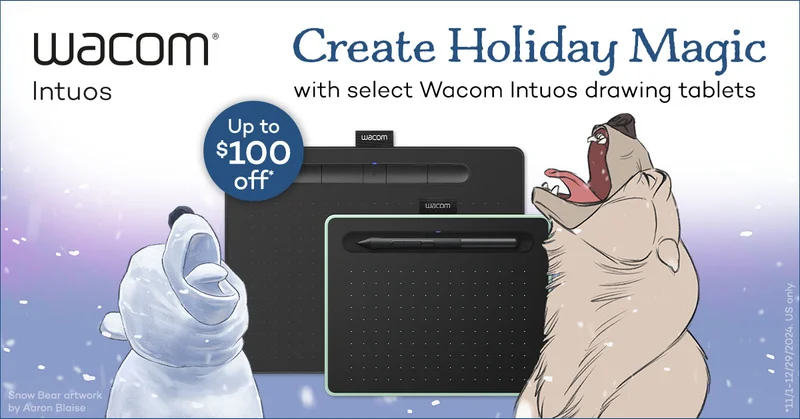 |
Save up to $100 on select Wacom Intuos Wacom Intuos, designed for beginners in digital creation, features a battery-free 4K pen and customizable ExpressKeys, making it ideal for various creative tasks from drawing comics to marking up documents. Compatible with many Android mobile devices, it allows users to unleash their creativity on-the-go, whether adding illustrative touches to social media posts or digital painting while out and about. |
| Shop and save |
|
|
|
|
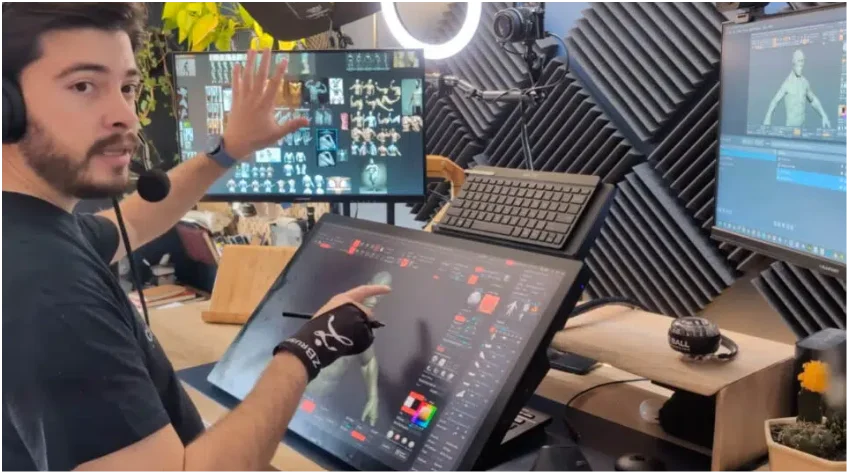 |
Making the most of your Wacom, with Pablo Munoz Gomez – Tip 1: Mapping touch to a separate monitorIn the first part of our series on maximizing your Wacom experience, we explore essential tips for getting started with your tablet. This includes customizing your settings for optimal performance, utilizing the ExpressKeys for shortcuts, and exploring various software options to enhance your workflow. Whether you're a beginner or an experienced user, these insights will help you unlock the full potential of your Wacom device and streamline your creative process. |
| Watch video |
|
|
 |
Why Switching to Wacom Is Making Me a More Efficient Creative DirectorTyler Brower, the new Creative Director for PUMA's Run and Train categories, shares how the Wacom Intuos Pro has transformed his creative workflow. Initially hesitant to adopt digital tools, he found that the tablet significantly improved his efficiency in managing projects and collaborating with his team. With its pressure-sensitive pen, Brower can easily annotate documents, sketch ideas, and streamline tasks, allowing him to focus on creativity rather than mundane operations. As he continues to integrate the Intuos Pro into his daily routine, he emphasizes the importance of patience during the learning curve and encourages others to explore Wacom for enhanced productivity in their creative endeavors. |
| Read more |
|
|
|
|
|
|
|
|
|
|
|
|

|
|
|