|
|
|
|
| |
|
|
| |
|
|
| |
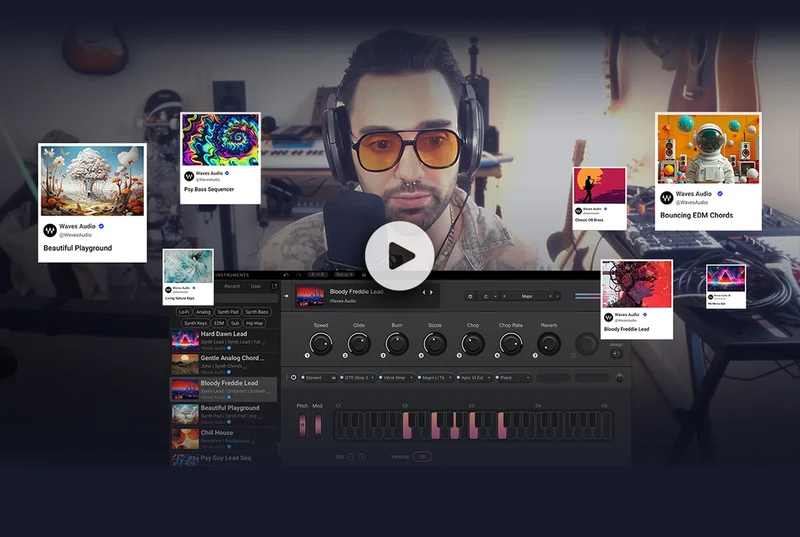
Watch TAETRO make a chill summer House track – with just StudioVerse Instruments. Learn how you can find all the synths, basses and layers you need for a production from this one plugin.
|
|
|
| |
| |
The StudioVerse library & plugins are free to use for all users, for any number of plugins you have. Waves Creative Access subscribers will get the most out of StudioVerse presets, with the full catalog of Waves plugins.
|
|
|
| |
|
|
| |
|
| |
|
|
| |
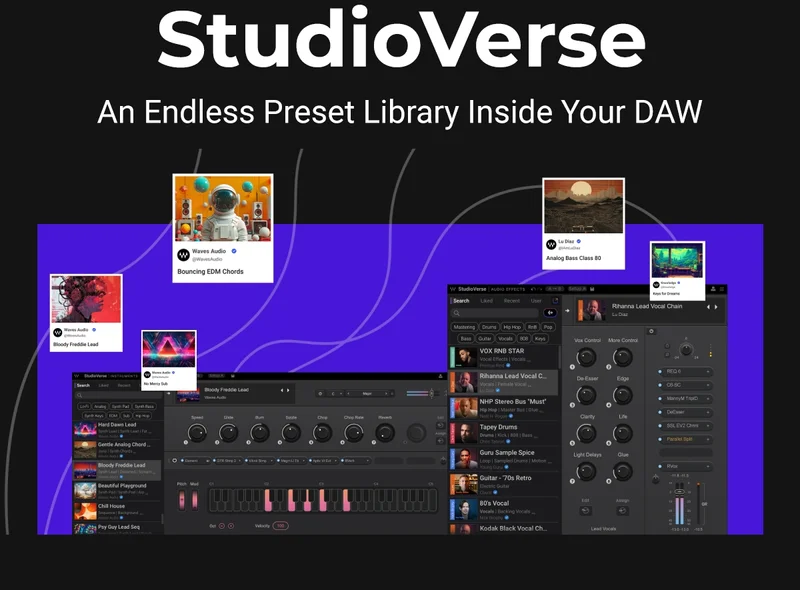
Unlock the full power of your plugins with StudioVerse: a massive online preset library of audio & instrument chains, including presets created by Grammy-winning mixers & producers.
|
|
|
| |
| |
StudioVerse makes it easy to put inspiration onto paper: Audition presets on the tracks you’re working on, and instantly bring your musical ideas to life. Find the sounds you’re after by searching for them, using suggested tags, or let the AI engine recommend stylized presets.
|
|
|
| |
|
|
| |
|
| |
|
|
| |
| |
Activate Search Filters in StudioVerse Audio Effects & Instruments
|
|
|
|
|
| |
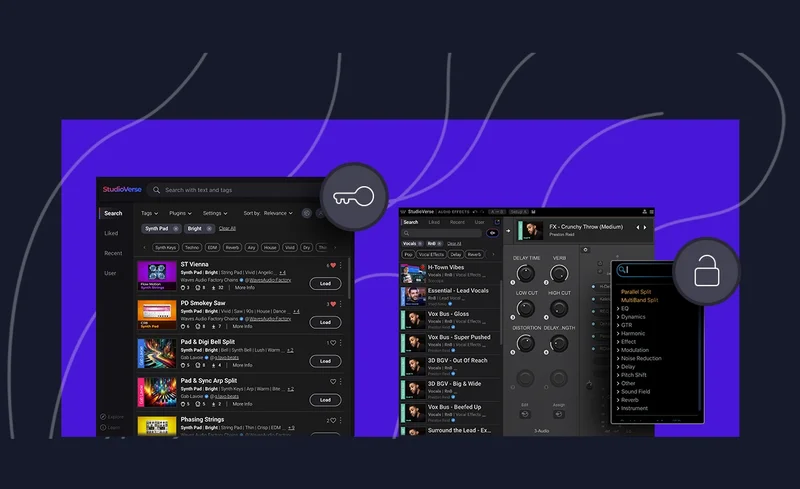
You can filter your search results to only show relevant chains with the plugins you have. Open the StudioVerse expanded view and select the “Key” icon in order to turn on the filter.
|
|
|
| |
| |
Without this filter, some chains in your search results will appear with a "Demo" icon, as they contain plugins for which you do not have an active license. Plugins running in demo mode will be fully functional, but will introduce periodic audio mutes.
|
|
|
| |
| |
When manually adding plugins to the rack, you can apply the “Lock” filter to see only relevant plugin options in the dropdown.
|
|
|
| |
|
|








![Email from Waves Audio. [Correction] Can You Make a Full Song with 1 Plugin?](https://n5su3bze2ea.b-cdn.net/preview-images/b25b62c7-baaf-492a-8b6c-823eb5ea3b9c/Email-designs-by-Waves-Audio_correction-can-you-make-a-full-song-with-1-plugin.webp?bunny=%5Bobject%20Object%5D&width=300&height=600&aspect_ratio=300%3A600)


