Hey Paperliker,
Spring usually means “go outside” weather for most people. That’s not always how it works here in Phoenix, Arizona.
A couple of weeks ago, we were already hitting record-breaking heat (in the 100s °F / high 30s °C). But we got a little rain, it cooled off, and I’m taking advantage while I can before summer shows up and being outside feels like sitting in an oven.
For most people, though, April is that shift. The weather gets better, the days feel longer, and staying inside all the time starts to feel optional.
So this month, we’re encouraging you to get outside. Take your iPad to the patio. Break out of the same routine. Or just take a break, period.
|
|
App-ventures in notetaking: What’s new and noteworthy
It seems like all the notetaking apps felt like adding a little something something this month. Nothing major for any of them, but it’s pretty rare to see something from almost every single one.
Take a look:
- Goodnotes added a Favorite Documents widget that you can add to your homescreen. Plus, now you can join their Discord community.
- Notability added a few new features, including: folders (finally), plus Ruler Angle Measurement Mode, custom Tape colors and new patterns, and PDF outlines. They also introduced Notability for Business, with shared libraries and real-time collaboration.
- MyScript Notes (Nebo) added a ruler for drawing straight lines.
- CollaNote added even more pens (because apparently, there’s always room for more).
- MarginNote 4 added multiple backup destinations, scheduled backups, and keyboard shortcuts for mind map editing.
- LiquidText is now on iPhone! It also added a PDF Page Editor that allows you to insert, delete, rearrange, rotate, and extract pages from your PDFs.
- ZoomNotes added more shapes and improved the shape tool. You can now resize imported images.
- Zoho Notebook now lets you add notes to your bookmarks, so you actually remember why you saved something.
Like I said, nothing too crazy, but small improvements are always welcome.
|
|
Image: Paperlike
This month: Time to touch grass
When someone says productivity, your brain probably immediately jumps to working hard and getting things done. But did you know that (spoiler) taking breaks actually helps you to be more productive?
I struggle with it myself. If I’m in the middle of writing or trying to get through a to-do list, I just keep going. I tell myself I’ll stop after I finish this part, or once I check off a few more things. And before I know it, I’ve been sitting in the same spot for way too long, and everything starts to feel harder than it should.
But every time I actually step away, even for a few minutes, it helps. I come back clearer.
There’s real science behind that, too. Taking breaks can improve focus, reduce stress, and help you avoid burnout. Even short resets can make a difference.
If you want to dig into the why, these are worth a quick read:
The harder part is actually doing it.
Because “take a break” sounds great until you’re in the middle of something and don’t want to lose momentum. Or you default to your phone, which doesn’t really count.
So instead of overthinking it, start simple.
Take your iPad outside and plan your day. Sit on the patio for a bit. Go for a quick walk between tasks. Even just stepping outside while the kids or dogs are running around can be enough to reset (if you have them, like me).
If you need a few ideas to mix things up, this is a good place to start:
And if you want to take it a step further, there’s actually a day built around this.
Join Outdoor Office Day on June 11, 2026, and take your work somewhere a little different.
|
|
Image: Paperlike
This changed how I think about discipline
As someone who writes about productivity and notetaking for a living, I think about discipline a lot. It usually comes up in the same way: with routines, systems, and sticking to things even when you don’t feel like it.
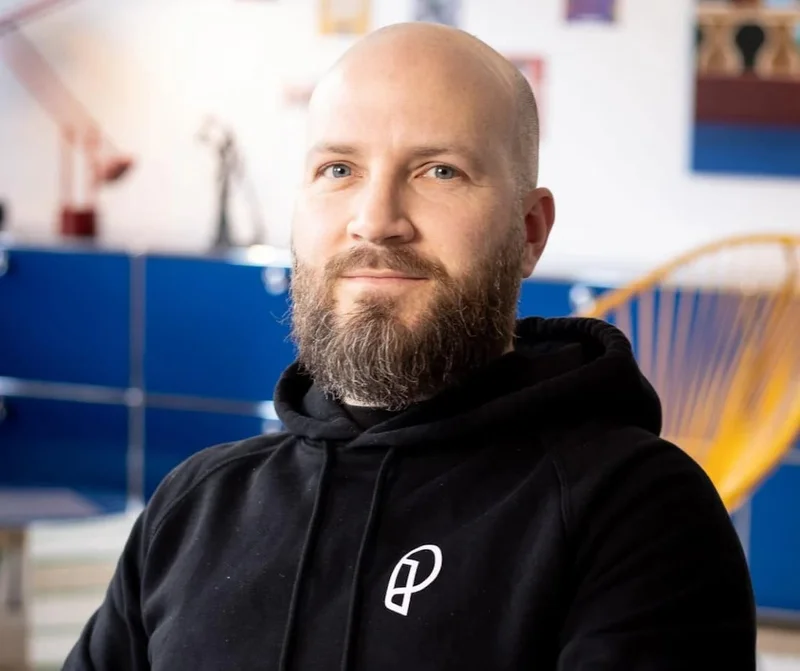
But reading this blog about our founder, Jan Sapper, made me realize I’ve been thinking about it a little too narrowly.
He talks about growing up watching his mom pursue opera, practicing every day, and building something meaningful in a place where that kind of work didn’t exactly have a clear path. And what stood out to me is that he didn’t even think of it as discipline at the time. It was just what it looked like: to care deeply about something and keep showing up for it.
That idea stuck with me. Because when I think about writing my novel, I wouldn’t have immediately called that discipline either.
It doesn’t feel like forcing myself to sit down and do the work. It feels like something I want to come back to, even on the days when it’s slower or harder, or I think everything I’m writing sucks, and I want to quit. (I think that happens to all artists, right?) But when I step back, that consistency, that decision to keep returning to it, that’s exactly what discipline is.
And I think that’s what I liked most about this perspective. It makes discipline feel less like something you have to push through and more like something that naturally follows when you care about the work in front of you.
It also ties back to something we’ve been talking about in this newsletter. Even at a high level, you can’t push nonstop. Recovery is part of the process too, whether you’re training your voice, building a company, or trying to make progress on something creative.
|
|
Image: Ngo Ngoc Khai Huyen on Unsplash
Lindsay’s productivity reality check: Pomodoro technique
For the past couple of years, I’ve been testing productivity methods and tools to see how they actually work in real life. This year, I’m taking a slightly different angle.
Instead of just trying new advice, I’m revisiting some of the most popular productivity methods and giving them a reality check. Some hold up surprisingly well. Others... not so much.
The theory: Work in focused bursts
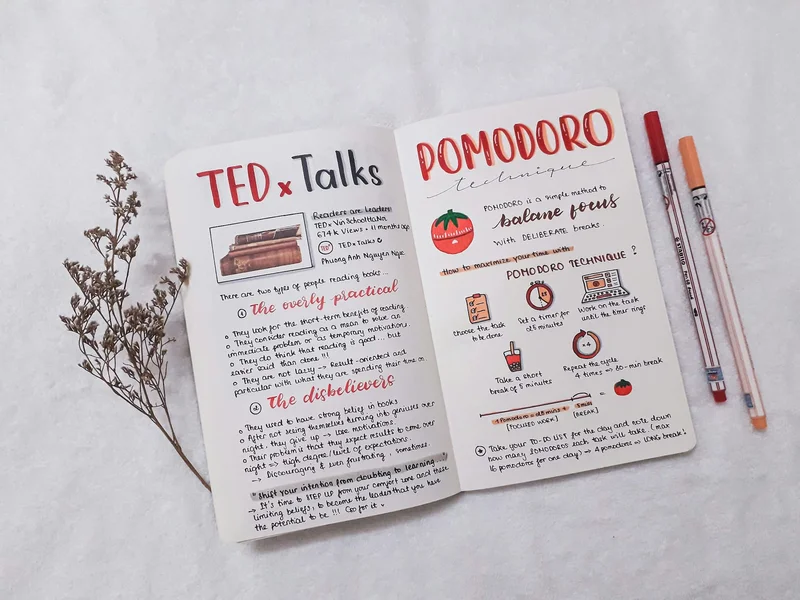
Pomodoro is built around a simple idea. Work for a set amount of time, take a short break, and repeat. It’s supposed to help you stay focused, avoid burnout, and actually make progress without feeling completely drained by the end of the day.
I tried this one a while back and shared the full experience on the blog.
TL;DR: It’s great for getting started and staying on task, especially when your brain is not fully cooperating.
The problem: Real life doesn’t run on timers
In practice, it’s not always that easy.
Some tasks fit nicely into a timed session. Others don’t. Writing, especially, doesn’t always cooperate. Sometimes it takes 20 minutes just to get into it, and stopping right when things start to click can feel more disruptive than helpful.
And then there’s the break part.
A five-minute break sounds great in theory, but it’s very easy for that to turn into checking your phone, which somehow turns into 15 or 20 minutes of scrolling through cute puppy reels (No? Just me?) and doesn’t really feel like a reset.
The adjustment: Make the breaks actually work
What ended up working better for me wasn’t changing the work sessions as much as changing the breaks.
Instead of defaulting to my phone, I started using those moments to step away. Sometimes that meant taking my dogs for a quick walk around the park, or even just letting them run around in the backyard while I got a few minutes to reset.
I also stopped trying to stick to a strict five-minute break. It’s just not enough most of the time. Giving myself a little more space, even just ten minutes, made it feel like an actual reset instead of a rushed pause.
It’s nothing complicated, but it works. I come back a little clearer, a little less stuck, and a lot more ready to focus again.
The Pomodoro structure is still there, but it feels less rigid and a lot more useful.
Your turn: Rethink your breaks
If you try the Pomodoro technique, don’t overthink the timer.
Keep the idea of focused work blocks, but structure them in whatever lengths seem to work the best for you. Also, focus on what you’re doing with your breaks. Put down your phone and take a walk, meditate, journal, or whatever makes you feel refreshed.
|
|
Image: Paperlike
Fix your Apple Pencil lag
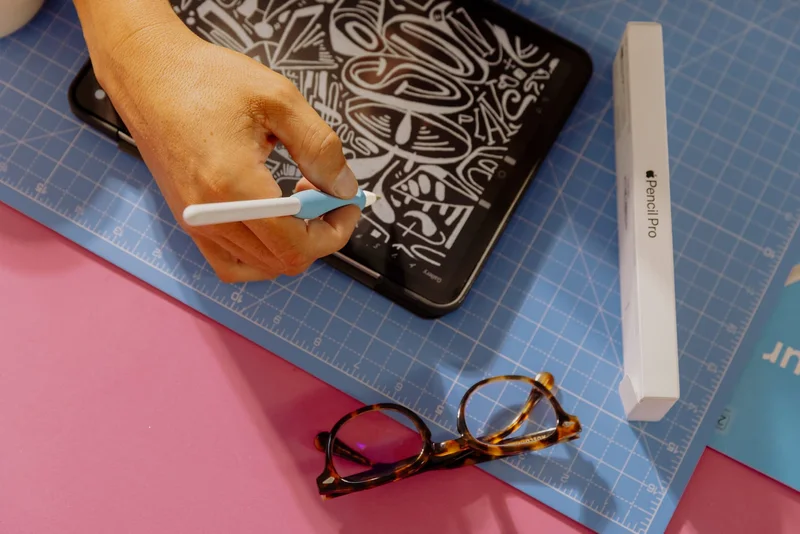
If your handwriting has seemed worse lately or your Apple Pencil has been acting a little wonky, it’s probably not just you. (Or, at least, that’s what I’m telling myself.)
A lot of the time, what feels like lag is caused by small things you don’t think to check, but are easy to fix once you know where to look.
We pulled together a few quick fixes that can help. Check out the blog or the YouTube video to get things feeling smooth again. |
|
Wrap up
Hopefully, this gave you a few ideas to take your work in a new direction this month.
Even if it’s just for a few minutes at a time. A quick break outside. A different place to plan your day. Something to break out of the usual routine.
I’ll be over here enjoying the 80-degree weather while I can.
Until next time,
Lindsay
Productivity & Notetaking Writer |
|
|
|
|