Hello there, Paperlikers!
It's me, Alanna from Paperlike, back for another year of the artist newsletter.
That's right, new year, same me. But not entirely the same, because I've set some goals 😎. And maybe you have, too!
But just in case you haven't, we're going to look at ways to learn new skills, take on new projects, and more for the new year.
And don't worry, it's okay to be cautiously optimistic for now. With that, let's keep an open mind and get into it.
|
|
Image: Wavebreakmedia / Envato Elements
This month: Back to the basics
The new year is a great time for a fresh start. Do you have some tech you've been waiting to dust off? Looking to step (maybe just a single foot) out of your creative comfort zone?
Well, whether you're taking on a new app or skill, remember that it's okay to start small. There's no expectation that you'll be the next Pablo Picasso by tomorrow (or whichever cool artist you admire).
You only need to be focused on taking the first step and being open to the sparks when they happen. Let's start by checking out these resources to get inspired and off in the right direction.
A fresh start |
|
🎯 3 Speedy Inspiration Exercises for Creatives. If you're stuck in your head about creating the absolute perfect piece, start with these three fun exercises from artist Meg Lewis. When you can embrace and appreciate the process, you become less obsessed over the final outcome. Let these silly (at times chaotic) exercises help you break up with perfection before you jump into your next piece.
🎨 Learn Procreate Dreams (Beginner Friendly Animation Class). Will this be the year you get into animation? Well then, you're in luck because you can dive head-first into the new Procreate Dreams app with the help of this tutorial from Animation Director Alex Grigg. It'll help you learn this powerful new app's basic tools, features, and capabilities. Panicking not included.
💭 How to Dream Again When You're Tired and Unready for the New Year. This year, artist and author Andy J. Pizza wants you to dream. Yeah, that's the key if you can't jump into the next big thing right now. Instead, you're going to create a setup that allows you to daydream. Then, you will draw what you're feeling and how you'd like your future to be. Let this podcast episode guide you through this unique way of using your creativity to set goals.
⏰ How to Make Time for Art (Busy Artist Guide). For some of us, time management is a huge hurdle. This blog post, by artist and teacher Miranda, is all about how to schedule time for creating. Some helpful tips include eliminating distractions, limiting endless phone scrolling, and drawing, even if it's just for 10 minutes. That's right, you don't need to start by drawing for hours. Just carve out a little bit of time and use it to achieve your creative goals for the year.
|
|
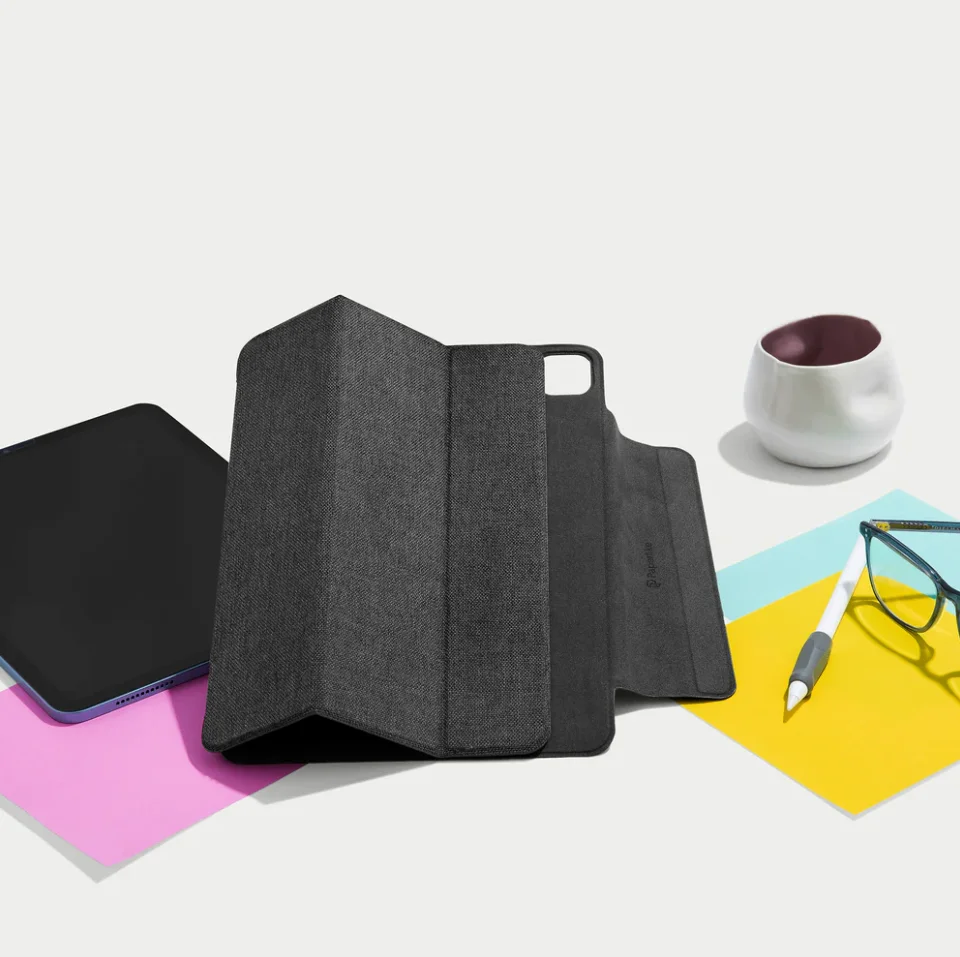
Image: Paperlike
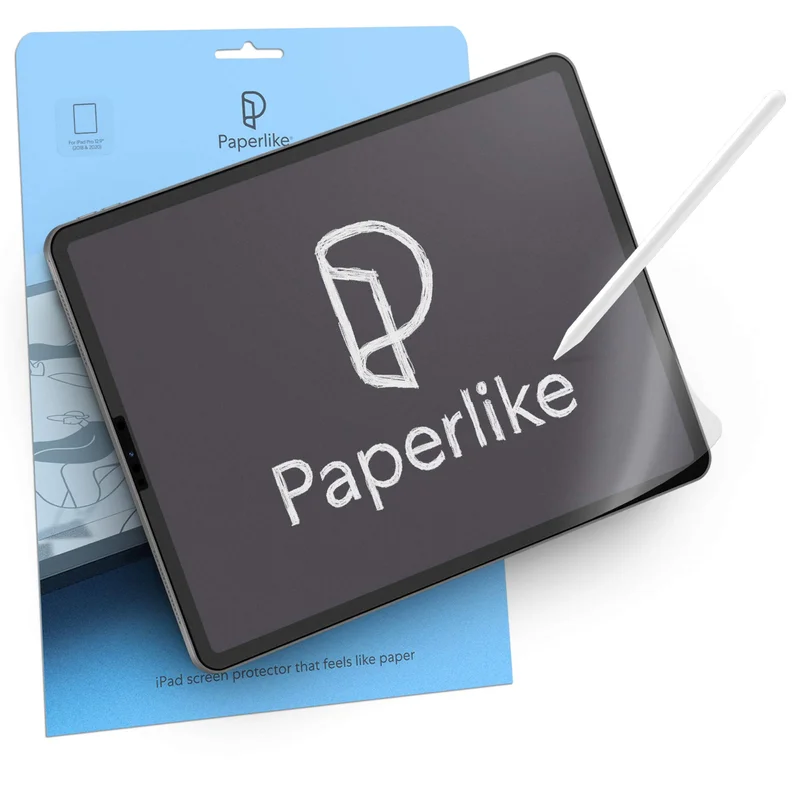
Featured: Screen Protector & Folio Bundle
Who doesn't love a deal to start off the year? Our brand new bundle allows you to enjoy both the Paperlike's Screen Protector and Folio Case in one convenient package that saves you $30!
And because we like you, you'll get the Precision Pencil Grip for free with your purchase, so your Apple Pencil isn't left out.
The Screen Protector, with its added resistance, is perfect for a more natural drawing feel, and the Folio Case will protect your iPad with the stylish look and feel of a premium notebook.
If you thought you couldn't enjoy working on your iPad any more than you already do, this bundle will change that. Get it while you can!
|
|
Image: Linearity
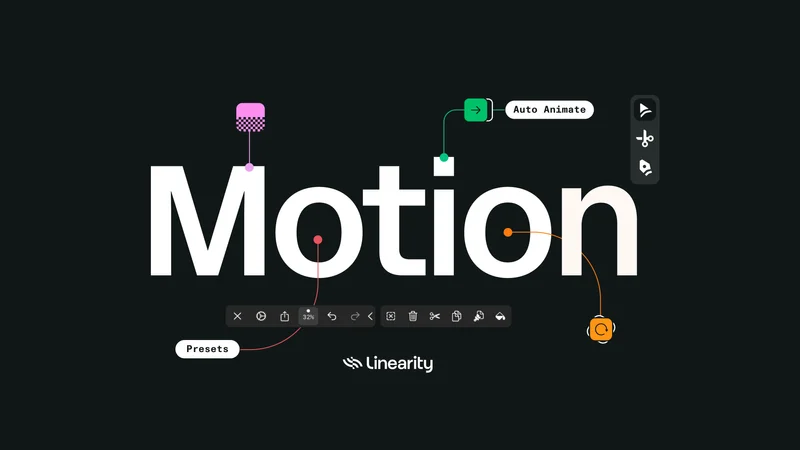
ICYMI: Linearity Move has arrived!
The company behind the app Curve (formerly Vectornator) has kicked off the year with an exciting new app. Enter Linearity Move. The app lets you animate your static vector graphics in seconds with just a few clicks on your iPad or Mac.
It's designed to save you time through helpful templates, presets, and automatic features. Basically, animation is officially a lot easier than you thought.
Here are some cool features built into the app: |
|
🎥 Auto Animate. Let the program do the work for you by adding movement between your artboards and elements.
2️⃣ Dual Modes. Switch between designing with vectors and animating your work.
⤴️ Curve Integration. Import your designs from Linearity Curve and animate them with ease.
🔹 Node Animation. Create dynamic animations and movements in your piece with nodes.
➡️ Transitions. Move between scenes easily with custom transitions. |
|
And don't worry if you don't know where to start. The Linearity team has put together helpful tutorials designed to get you animating right away. Give it a try for free and download it today. |
|
Brushes of the month
An artist is nothing without their tools, and a digital artist's best tools are the brushes they use. When it comes to digital brush packs, there's no such thing as having too many.
That’s why we’re bringing you the latest and greatest from the world of digital brushes.
Whether you’re a Procreate fan or an Adobe loyalist, our round-up has something for everyone.
Let’s take a look at this month’s picks:
|
|
Image: Charly Clements
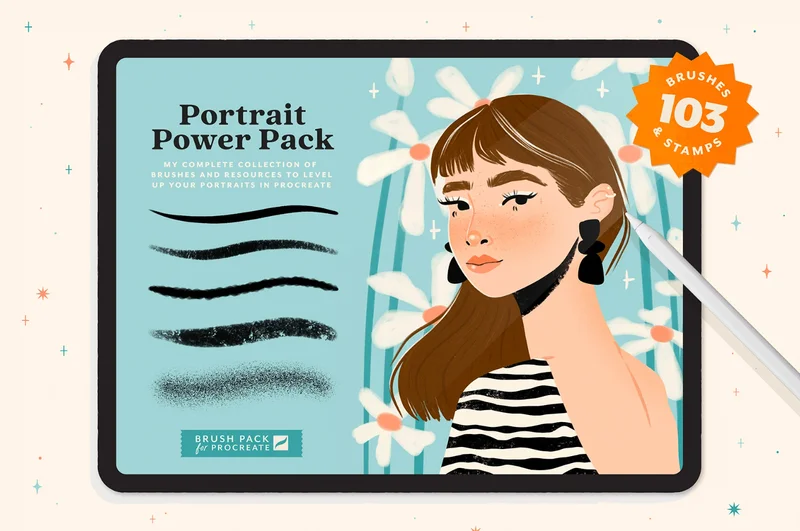
Portrait Powerpack by Charly Clements
Imagine you're creating a beautiful portrait but can't find the right expressions or flair for your characters in Procreate. The Portrait Powerpack, by illustrator and teacher Charly Clements, is the perfect companion for creating dreamy, stylized portraits.
It comes with over 100 brushes to choose from, including eyebrow and earring stamps, as well as colorful gradients to use for clothing or backgrounds. Your portraits will never be boring again!
|
|
Image: Kyle T. Webster
Winter 2024 Photoshop Brushes
Winter may or may not be your favorite season, but either way, you can embrace it with the magic of this brush pack. The Winter 2024 Photoshop Brushes, by illustrator Kyle T. Webster, are ready so you can create the perfect winter-inspired landscape.
With over 20 brushes, the pack features everything from stamps and rakes to deep textures and foliage. You can enjoy it for free in Adobe Photoshop or Adobe Fresco with your Adobe Creative Cloud subscription.
|
|
Image: Abigail Bixler
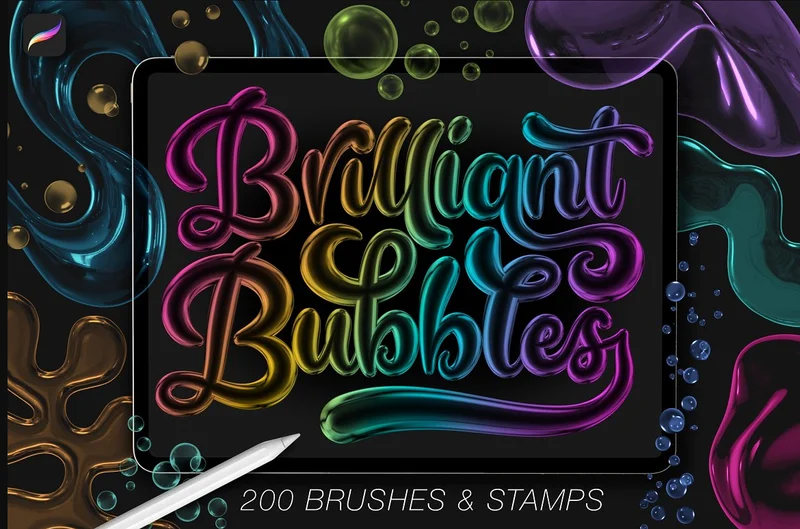
Brilliant Bubble Procreate Brushes
These brushes are a fun and unique play on bubble letters and art. The Brilliant Bubble Procreate Brushes, by Abigail Bixler of The Creative Bix, will have your work looking like it'll float right off your screen.
It comes with over 200 brushes and stamps for creating 3D bubble effects that are perfect for lettering or illustration. Try them for your next personal or client project.
|
|
Image: Former Adobe Stock user Umair / Adobe Stock
Scroll-stopping takes: Where personal responsibility and AI meet
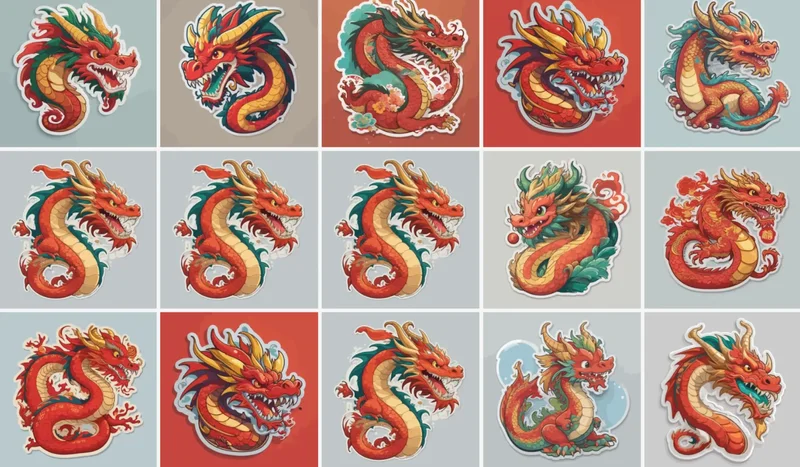
Earlier this month, Wacom used AI imagery in one of its marketing campaigns. What's most interesting about this is that they claim the use was unintentional.
Licensing images isn't uncommon, and it would appear that an Adobe Stock library was the source of the AI-generated images. The problem was that they weren't detected by Adobe Stock's filters, which should've sorted out the AI images. This could be due to a submission standards violation by the user of the Adobe Stock page.
And while Wacom has since issued an apology, needless to say, artists weren't happy about this 🙃. All of this is not to dissuade you from liking or supporting Wacom, but let it be a cautionary tale. Even when it comes to AI, there are still steps that need to be taken by us humans (yay, humans!) to ensure that things don't blow up in our faces later.
|
|
Image: Paperless Movement
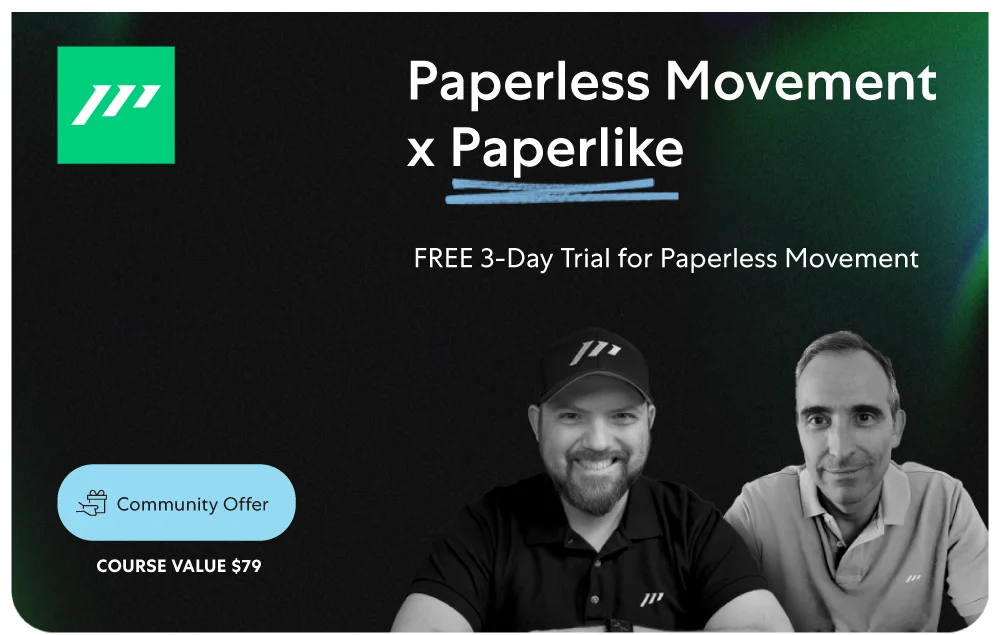
Try Paperless Movement® for free
At the Paperless Movement, we've created meticulously crafted courses to help you master notetaking, organize information, and get things done in the most efficient way possible, all while implementing the ICOR® methodology (Input, Control, Output, Refine) in your own tools.
Grab the offer. |
|
Image Credit: Paperlike
Let's wrap it up
And that's all I've got for you in this month's newsletter.
Don't try to do a million things to start off the year. Try one thing at a time so you don't freak out. 😉
And of course, you're not going to want to start the new year without your Paperlike. It'll make creating art that much better as you work towards your next masterpiece.
Alright, until next time!
Alanna
Digital Arts Writer
Paperlike
|
|
This email was sent to [username]@example.com because you've subscribed to our newsletter or made a purchase through our site. You can change your content preferences anytime.
No longer want to receive these emails? Unsubscribe. Paperlike GmbH c/o WeWork Hermannstrasse 13 Hamburg, Hamburg 20095 |
|
|
|
|